EN
EN - 5 N 12.54 D
4 - USER TERMINAL AND RADIO-FREQUENCY TERMINAL
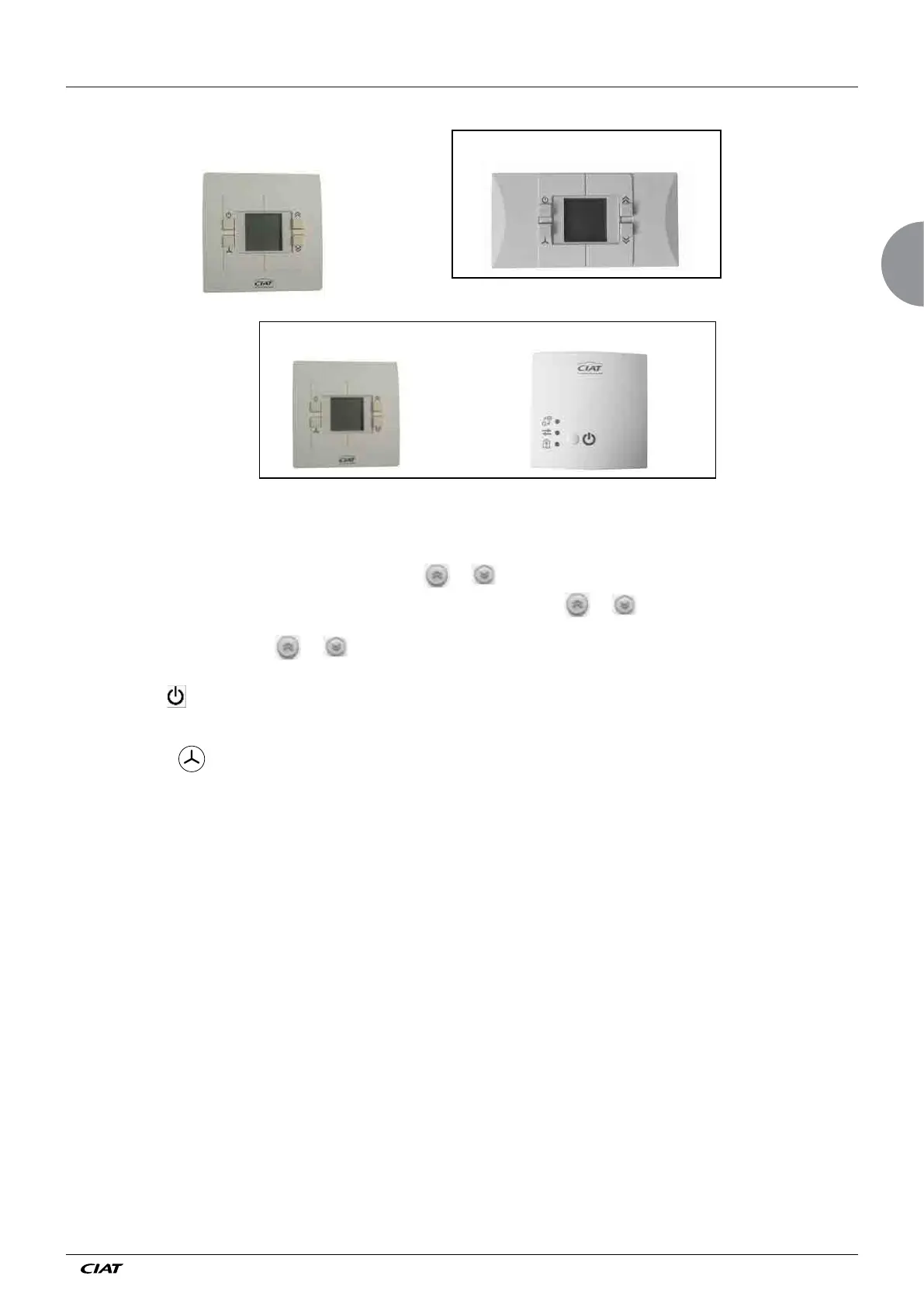
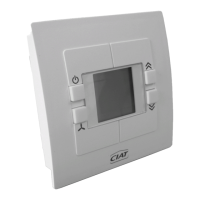
Radio + receiver wall-mounted terminal
Wall terminal with
digital display
Flush-mounted terminal with digital display
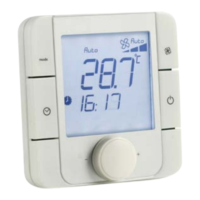
1) Display:
This continuously displays the temperature detected by the sensor, the current operating mode, the chosen ventilation speed, and
any alarm present.
The desired temperature can be modified by pressing the
or keys
The temperature measured by the sensor is displayed again 8 seconds after the
or key was pressed
It also displays error messages, reports windows opened or emergency switch-off activation, thereby enabling an initial diagnostic.
2) Temperature adjustment keys
or . These enable you to adjust the temperature setpoint and also access the set-up
and diagnostic values. +/- 4°K default setting (adjustable by parameter)
3) Standby key
This enables you to change the operating mode (comfort, economy, frost protection or off according to the
chosen configuration).
4) Ventilation key
. It is used to select the ventilation speed (Auto, 1, 2, 3) if the controller is in comfort mode (see display
details below)
Note:
Different key combinations can be used to access:
- parameters
- diagnostics
- keypad lock


 To Next Page