8
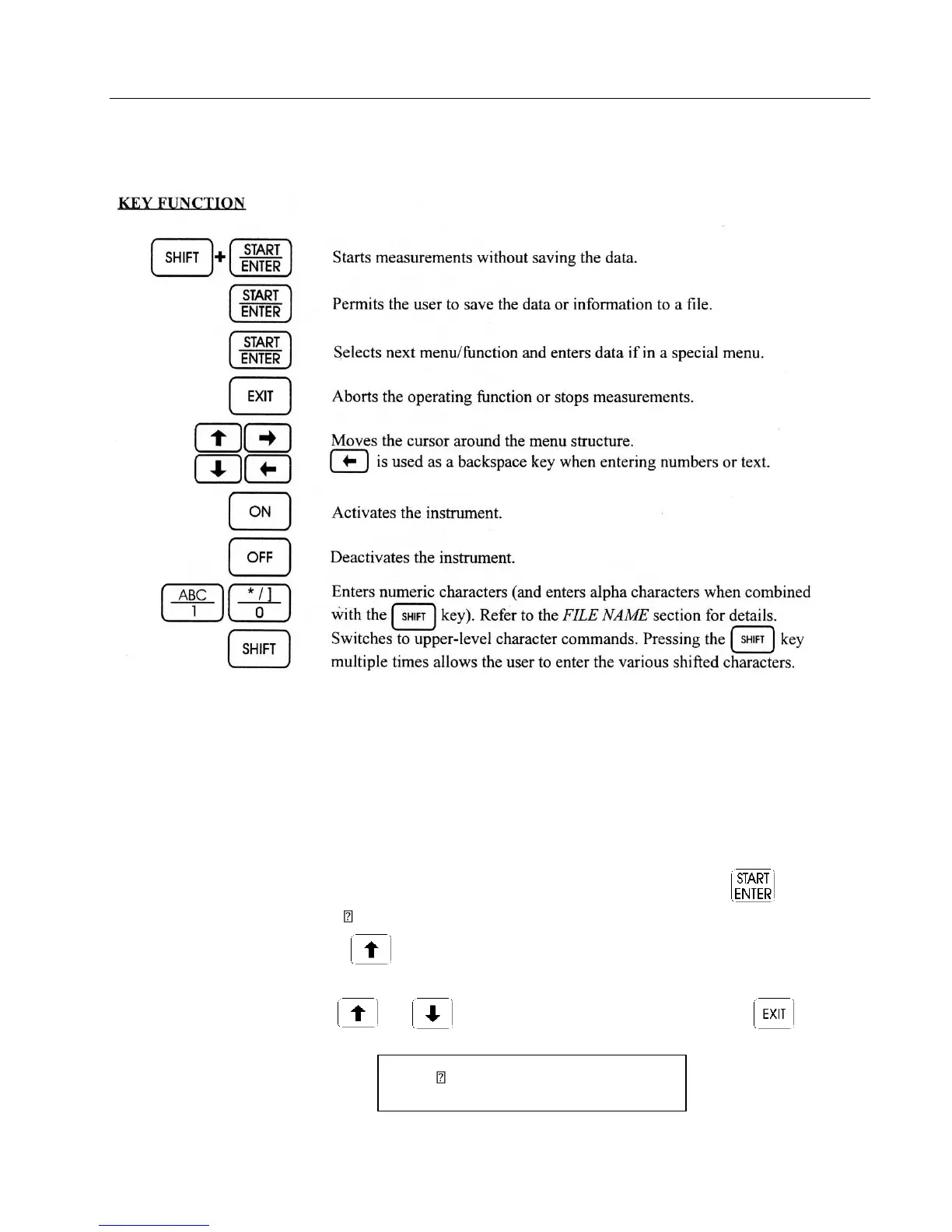
Figure 3: CI-340 Keypad
These characters are not usable: [ +,-,(,*,/,) ]
File Menu
The CI-340 has a file system that allows a great range of data to be stored internally. It has been
designed to emulate the familiar DOS of personal computers. Note that this menu will not be accessible
when there are no files stored in memory; the message “no files” on the top display line will be briefly
displayed when this situation occurs.
To use the File Menu or check if any files are stored, press the key when
“ENTER file menu” is displayed.
Press the key to access the “file menu” when the instrument is first turned
on.
Use the and keys to view all stored files. Pressing the key will
exit this menu.
Enter File menu 13:05:49



 To Next Page