12
System Setup and Calibration
The system is shipped from the factory calibrated for immediate use. The user can perform most
system calibrations if necessary.
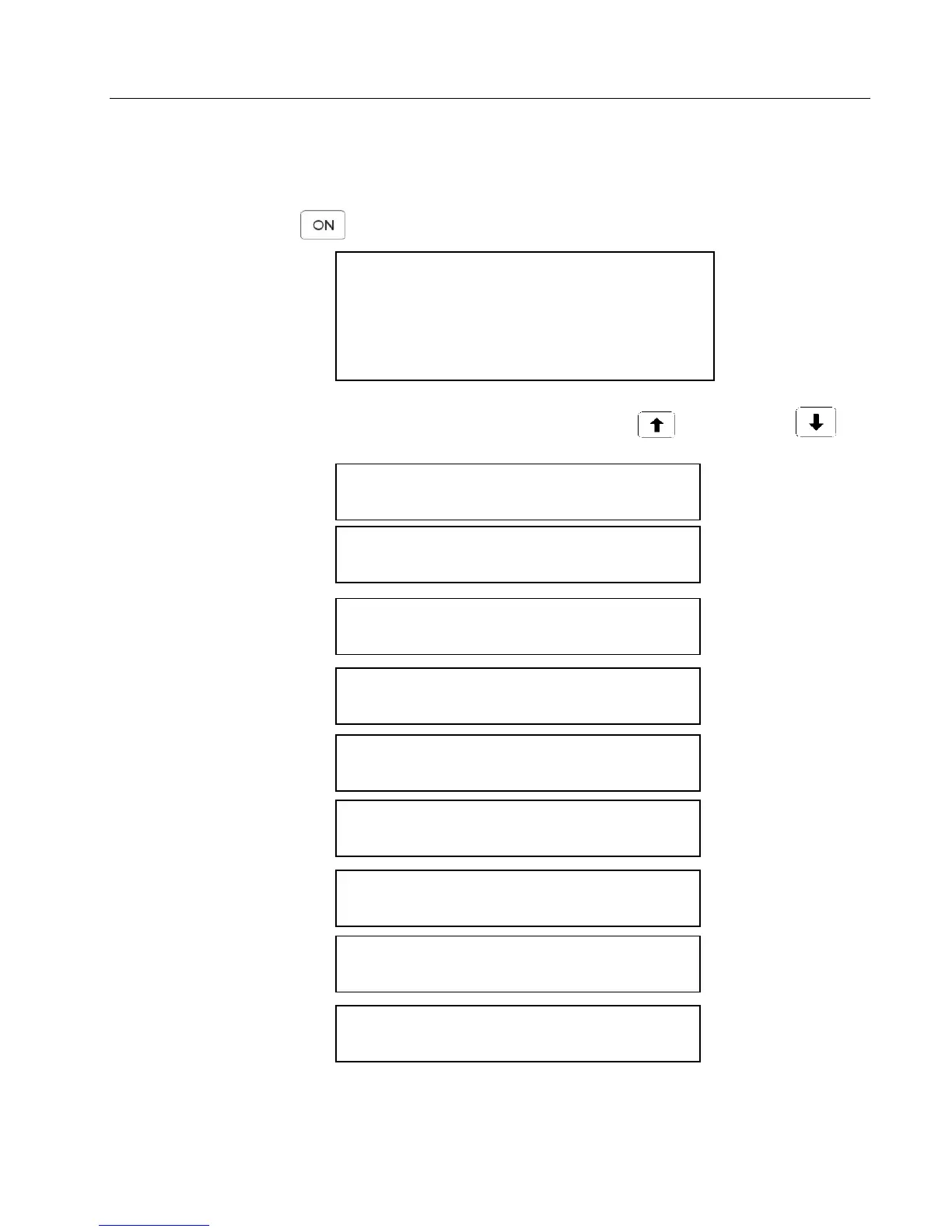
To start the CI-340, press . After a brief warm-up time, the instrument will display the basic
display as follows:
Fri 12 Mar 2004 16:06:38
CI-340 version 5.004
©Copyright CID Inc., 1997 - 2004
All rights reserved.
The following screens are accessed in order by pressing the arrow keys, to move up and to
move down:
ENTER to select Calibrate Temp.
ENTER to select Calibrate Flow
ENTER to select Calibrate ATM Pr
ENTER->file menu
Starting Screen: Fri 12 Mar 2004 16:06:38
START/ENTER to go 16:06:38
ENTER to select Change clock
ENTER to select Calibrate CO
2
ENTER to select Calibrate H
2
O



 To Next Page