42
4. Connect the DC coupler to the charger/adapter’s DC terminal.
TO DISCONNECT THE CHARGER/ADAPTER
1. Turn the CI-340 off and detach the DC coupler.
2. Disconnect the DC coupler from the charger/adapter.
3. Unplug the charger/adapter and disconnect the power cable from the charger/adapter.
TO CHARGE THE Li-ion BATTERY
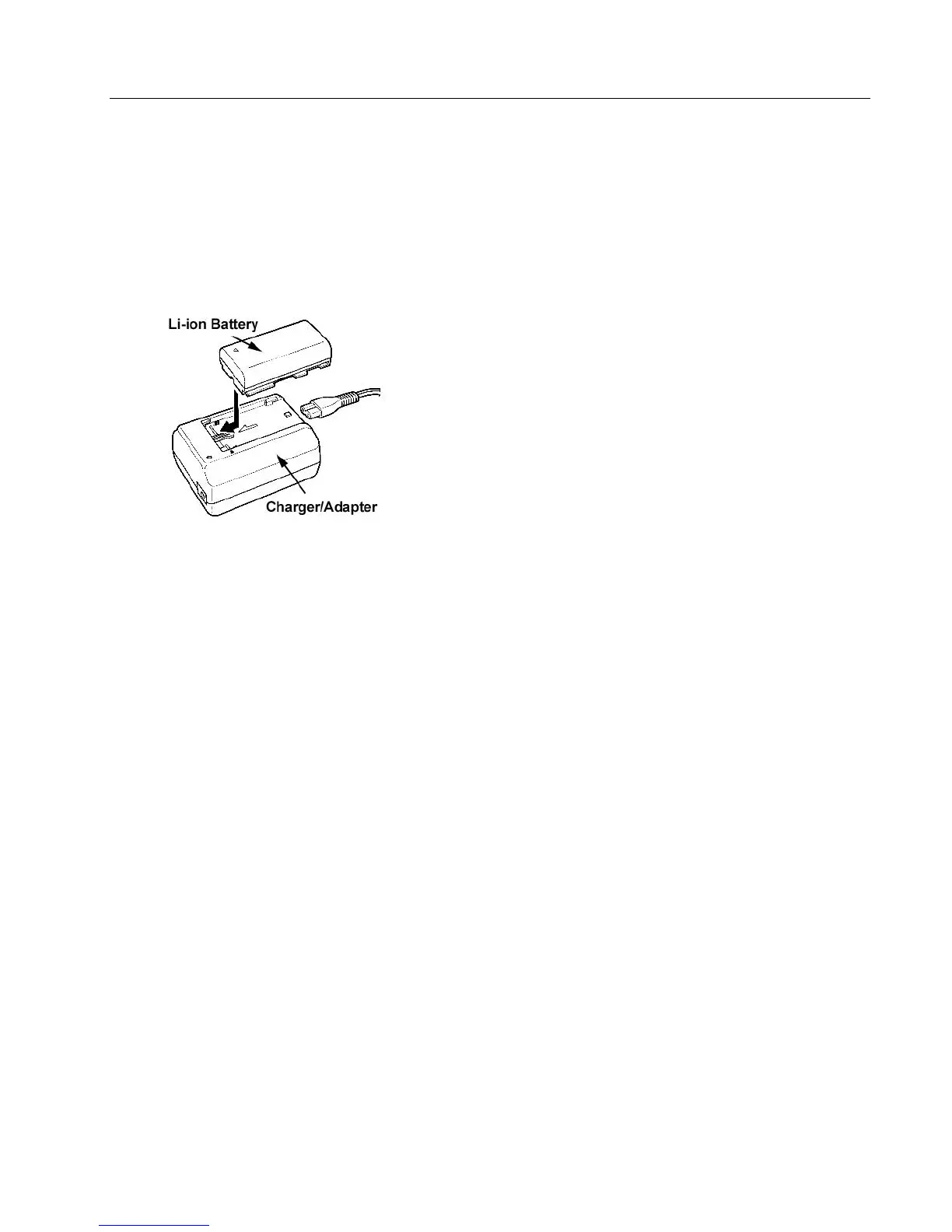
Figure 10-2. Attach the Li-ion Battery to the charger/adapter.
Note: Make sure that the DC coupler is not connected to the charger/adapter. The Li-ion Battery will
not charge if the DC coupler is connected to the charger/adapter.
1. Connect the power cable to the charger/adapter. (See Figure 10-2.)
2. Plug the power cable into a lab power socket.
3. Attach the Li-ion Battery to the charger/adapter.
• Align the front end of the Li-ion Battery with the guides on the charger/adapter, then press and
slide the Li-ion Battery into the charger/adapter to set it in place.
• The red charge indicator will flash while the Li-ion Battery is charging. Single flashes indicate
that the Li-ion Battery is charged less that 50%. Double flashes indicate that it is 50-75% charged.
Triple flashes indicate that it is more than 75% charged. The indicator shines steady when the
Li-ion Battery is fully charged.
4. Remove the Li-ion Battery.
5. Unplug the charger/adapter and disconnect the power cable from the charger/adapter.
NOTES
• If the charger/adapter does not seem to be working, this may be because its safety circuit has been
activated. Unplug the charger/adapter, wait a few minutes, and plug it in again.
• The charge indicator does not light up when the DC coupler is connected.



 To Next Page