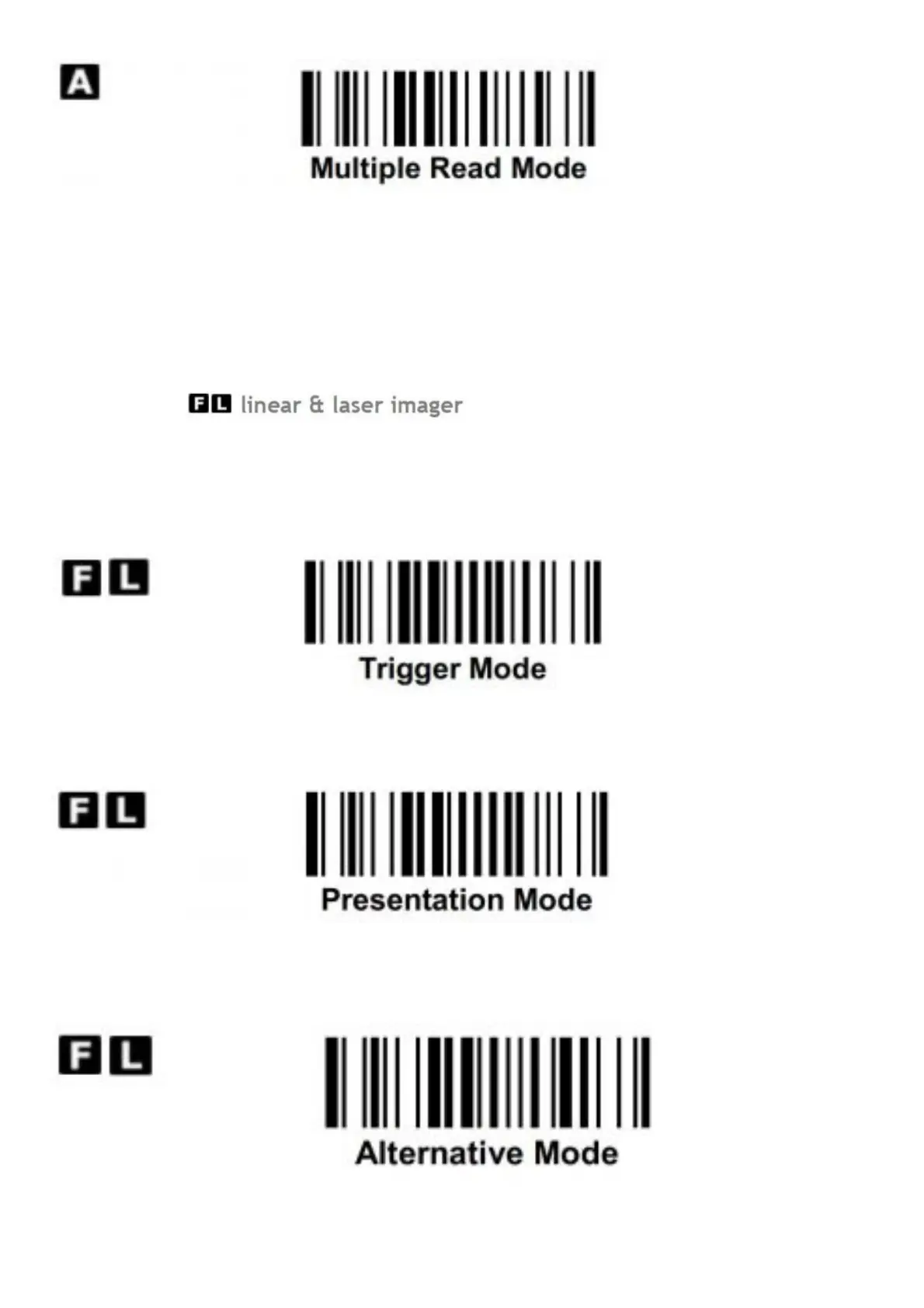
When multiple read mode is selected, the scanner is allowed to decode multiple bar codes with a single pull of the
trigger. When you press and hold the trigger to aim at a series of bar codes, the scanner will decode each bar code
and beep for each good read. For more precise bar code decoding, you are recommended to enable Center
Alignment function while multiple read mode is selected. You can enable Unique Bar Code Reporting function to
report for unique bar code when the scanner trigger is pressed. For the setting of Center Alignment and Unique Bar
Code Reporing, please refer to the Programming Manual for details.
Operation Modes
Both F series linear imager and L series laser imager of FuzzyScan family support various operation modes,
including trigger, presentation, alternative, level, flash, force, toggle, diagnostic and low power modes. But please
note that the laser aiming line of L series is not performed under force, flash, toggle or diagnostic mode to ensure
the longer working life of laser imager.
When trigger mode is selected, the scanner goes into standby state after scanning the bar code. You must press the
trigger switch to turn on the scanner’s light source before scanning the bar code.
When presentation mode is selected, the scanner will turn on the light source and start scanning automatically if it
detects an image similar to a bar code. In case the scanner can’t detect a bar code, it will turn off the light source
after the preset light source on time is up.
When alternative mode is selected, the scanner keeps the light source on till the preset “ light source on time” is up.
After turning off the light source, you must press the trigger switch to turn on the light source again. After each good





 To Next Page