aware that after resetting the unit, the device will need to download its latest configuration from Dashboard. Please be patient as this could take up to 5 - 10
minutes.
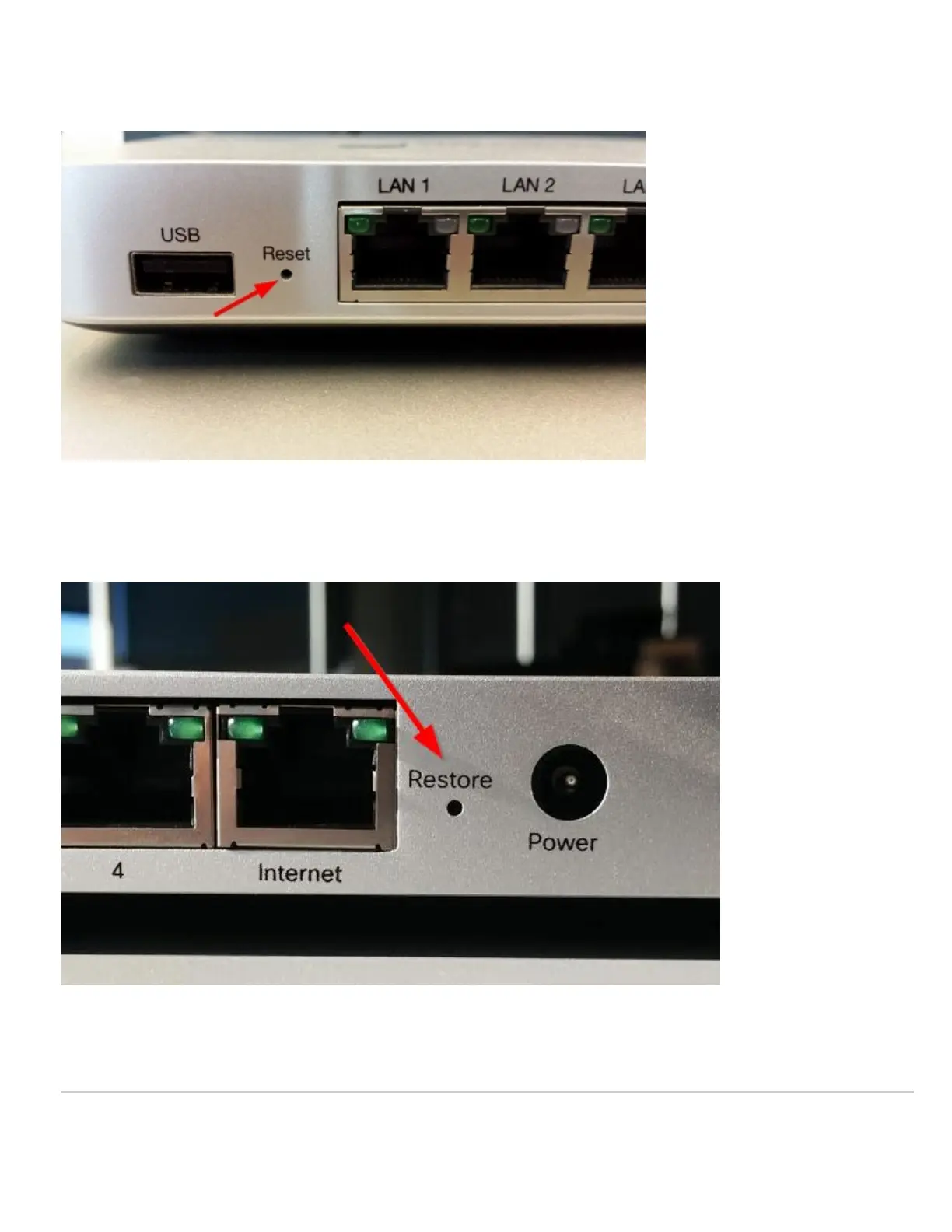
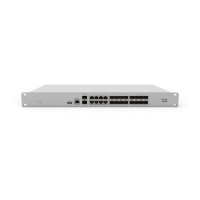
The reset button on different MX or Z-Series appliances may have different indicators/words such as "Reset," "Restore" or simply a circular arrow icon. There is
only ever one hole for a factory reset on these appliance though, regardless of the label.
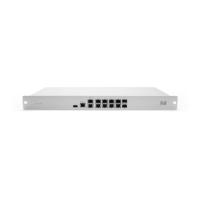
On some MX Securirty Appliances, the reset button is located on the side of the unit (next to the USB port), and labeled with a circular arrow:
2


 To Next Page