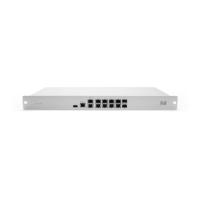
MX84
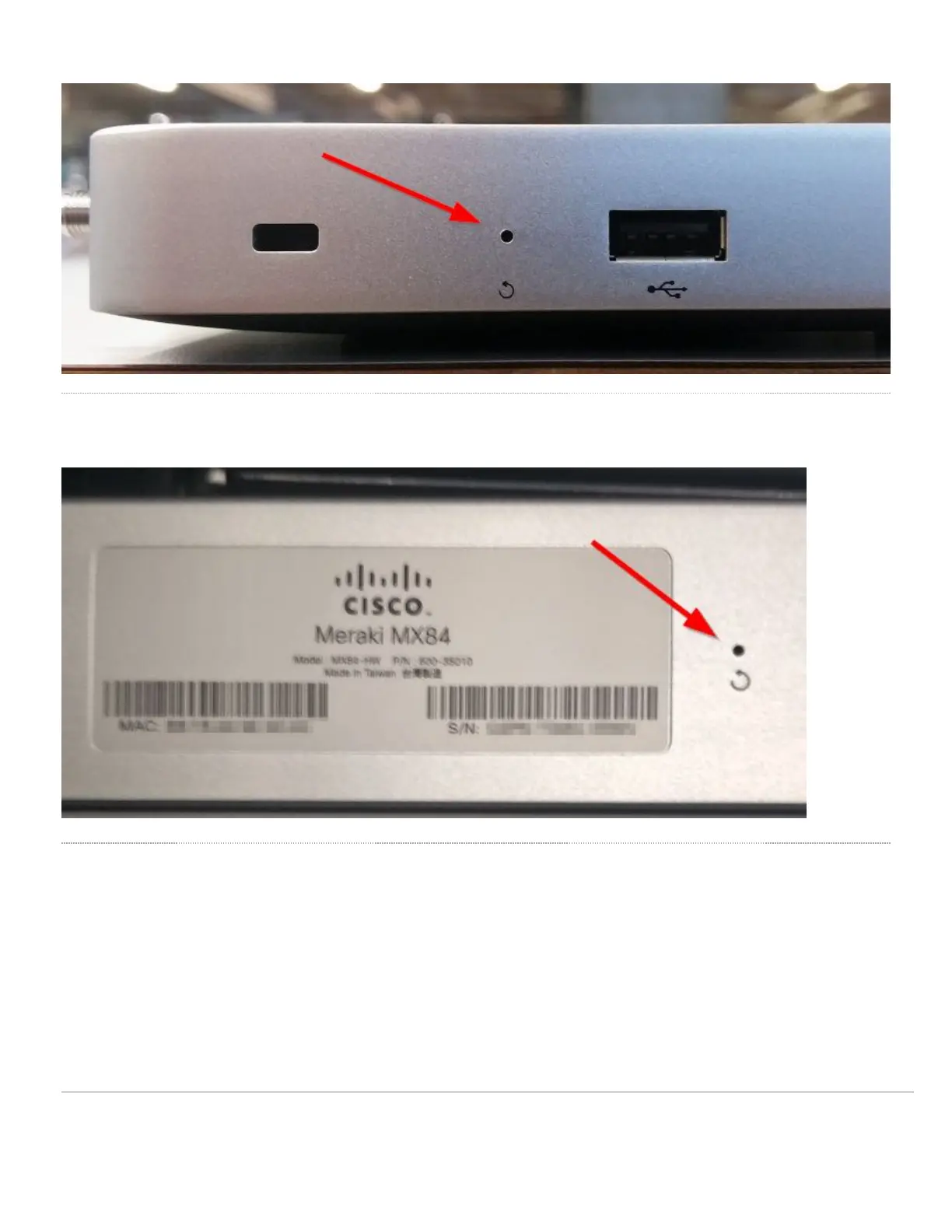
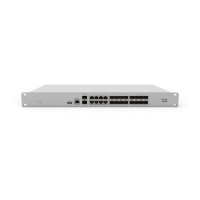
On the MX84, the reset button is located on the back of the unit, and labeled with a circular arrow:
MS Access Switches
To reset an MS switch to the factory defaults, press the button labeled 'Reset' or 'Restore' on the front panel of the appliance for 10-15 seconds. Be sure to
release the button after the power light goes out. This will clear the static IP address settings and local configuration of the device. Please be aware that after
resetting the unit, the device will need to download its latest configuration from Dashboard. Please be patient as this could take up to 5 - 10 minutes.
Note: Holding the reset button after the switch reboots will place it in factory test mode. If this has occurred, reboot the device to return it to normal behavior.
3


 To Next Page