EasyManua.ls Logo

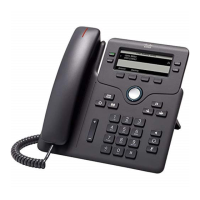
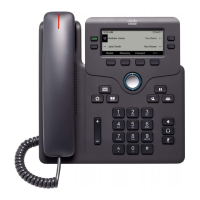
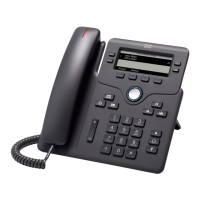
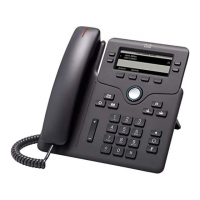
Cisco 6851 - User Manual

Cisco 6851
222 pages
Print Icon
To Next Page IconTo Next Page
Loading...
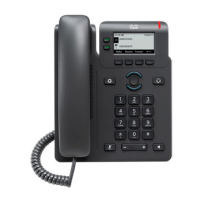
Cisco IP Phone 6800 Series Multiplatform Phones User Guide
First Published: 2017-11-22
Last Modified: 2023-05-11
Americas Headquarters
Cisco Systems, Inc.
170 West Tasman Drive
San Jose, CA 95134-1706
USA
http://www.cisco.com
Tel: 408 526-4000
800 553-NETS (6387)
Fax: 408 527-0883

Table of Contents

Other manuals for Cisco 6851

Question and Answer IconNeed help?

Do you have a question about the Cisco 6851 and is the answer not in the manual?

Summary

Your Phone

Phone Setup and Hardware

Covers initial phone setup, physical buttons, and hardware features across models.

Troubleshooting and Diagnostics

Guides on identifying and resolving phone issues, checking status, and logs.

Making and Managing Calls

Basic Call Operations

Covers making calls via handset, speakerphone, headset, redial, and emergency calls.

Voicemail Management

Personal Voicemail Access

Steps to set up, check, and access personal voicemail accounts on the phone.

Phone Settings Configuration

User Preferences

Covers call, audio, and screen preferences, including ringtones and DND settings.

Product Safety and Security

Safety and Performance Information

Covers power outages, regulatory domains, and health-care environment usage guidelines.

Compliance Statements

Lists compliance information for various regions like EU, USA, Canada, and New Zealand.

FCC Compliance and RF Exposure

Details FCC Part 15 statements, RF radiation exposure, and receiver compliance.
Cisco 6851 Specifications

General IconGeneral
BrandCisco
Model6851
CategoryIP Phone
LanguageEnglish

Related product manuals