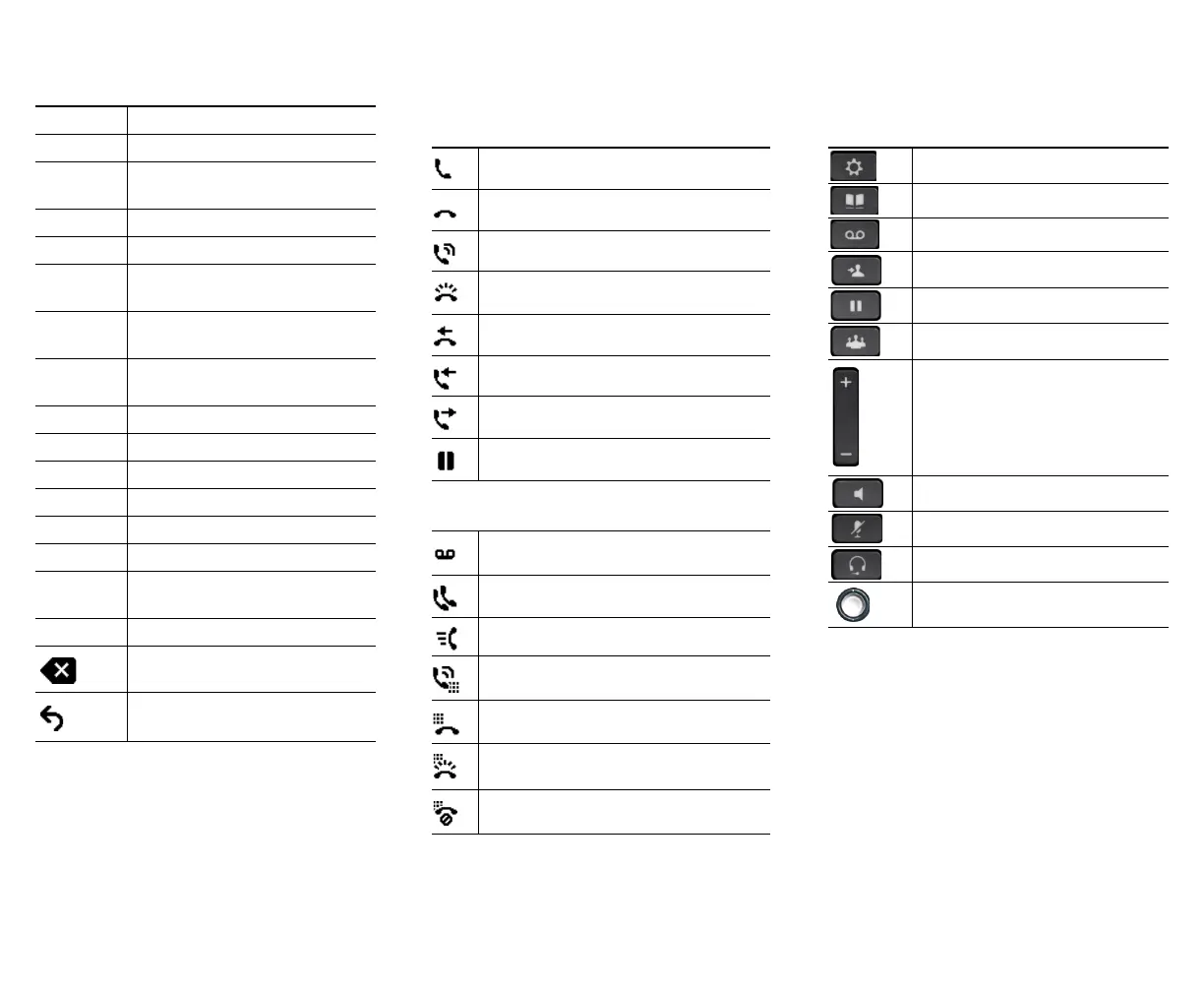
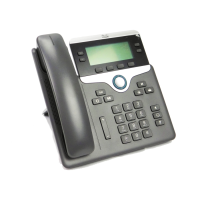
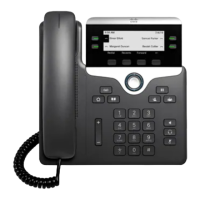
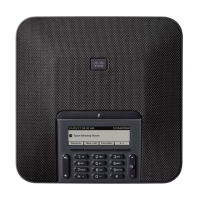
New Call Make a new call.
OK Confirm a selection.
OPickup Answer a call that is ringing in an
associated group.
Park Store a call.
Play Play ringtone.
PickUp Answer a call that is ringing on
another phone in your group.
Redial Redial the most recently dialed
number.
Remove Remove a conference participant or
an entry.
Save Save the chosen settings.
Search Search for a directory listing.
Select Select the highlighted option.
Set Set a ringtone.
Submit Enter user information.
Swap Toggle between two existing calls.
Update Update an entry in Personal
Directory.
>> Move through entered characters.
Backspace to delete characters.
Back.
Phone Screen Icons
Off-hook
On-hook
Connected call
Incoming call
Missed call
Received call
Placed call
Call on hold/resume call
Feature Icons
(If available on your phone)
Message waiting
Shared line in use
Speed dial line
Line Status indicator–monitored line is
in-use
Line Status indicator–monitored line is idle
Line Status indicator–monitored line is
ringing
Line Status indicator-monitored line is in do
not disturb (DND)
Buttons
For the Cisco IP Phone Quick Start Guides, go to
this URL:
http://www.cisco.com/en/US/products/ps13220/pro
ducts_user_guide_list.html
Applications
Contacts
Messages
Transfer
Hold/Resume
Conference
Vo l u m e
Speakerphone
Mute
Headset
Select button




 To Next Page