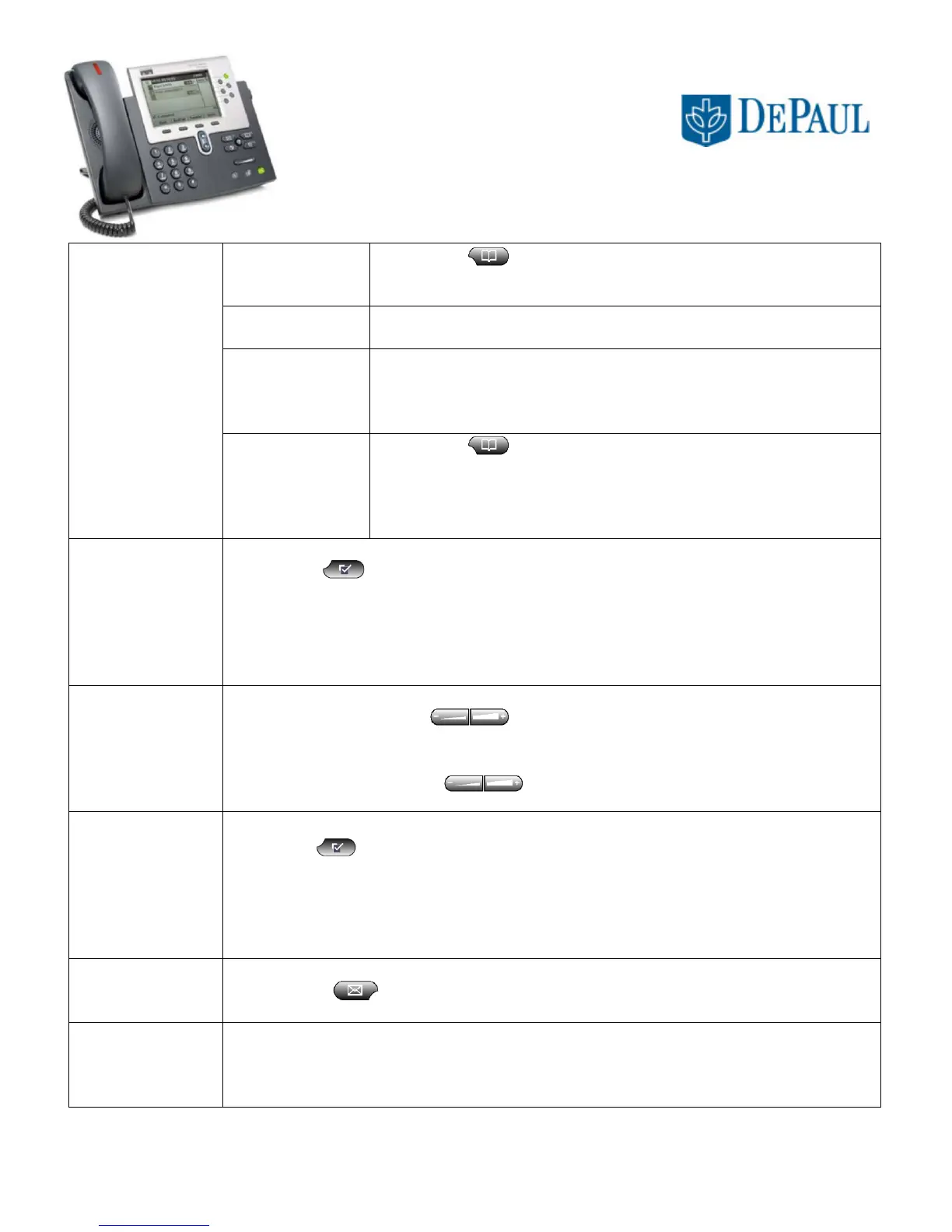
CISCO TELEPHONE 7961/62 Series
QUICK REFERENCE GUIDE
Common Changes to Phone Settings
To view missed,
received, or placed
call history
- Press or “Directories” key.
- Scroll to the desired history option.
- Press the “Select” softkey
To exit viewing
call history:
- Press the “Exit” softkey twice.
To edit missed or
received calls:
- Highlight desired number
- Press the “EditDial” softkey.
- Enter “9” before the number.
- Press the “Dial” softkey.
To speed dial a
call in the history
directory:
- Press or “Directories” key.
- Scroll to the desired history option.
- Scroll to the desired number.
- Insert “9 1” before the number.
- Press the “Dial” softkey.
To choose a ring type:
- Press or “Settings” key.
- Scroll to “Ring Type” and press the “Select” softkey.
- Scroll through the ring type options.
- Press the “Play” softkey to sample a ringtone.
- Press the “Select” softkey to make a choice.
- Press the “OK” softkey and then the “Exit” softkey.
To adjust the handset, speaker, or headset volume:
- While listening, press keys
- Press the “Save” softkey
To adjust the ringer volume:
- At an idle phone, press keys
To adjust the display contrast:
- Press or “Settings” key
- Scroll to “Contrast”
- Press “Select” softkey
- Press ▲▼ softkeys
- Press “OK” softkey
- Press “Exit” softkey
To retrieve new voice mail messages:
- Press or “Messages” key or call (312) 362 – 7900
To transfer someone to another voicemail account:
- Press “Trnsfer” softkey
- Dial x26600 and when instructed, dial the extension of the voice mail account.
- Then press the “Trnsfer” softkey again to complete the transfer.



 To Previous Page