1-5
Cisco Video Surveillance 8020/8030 IP Camera Reference Guide
Chapter 1 Getting Started
Hardware Installation
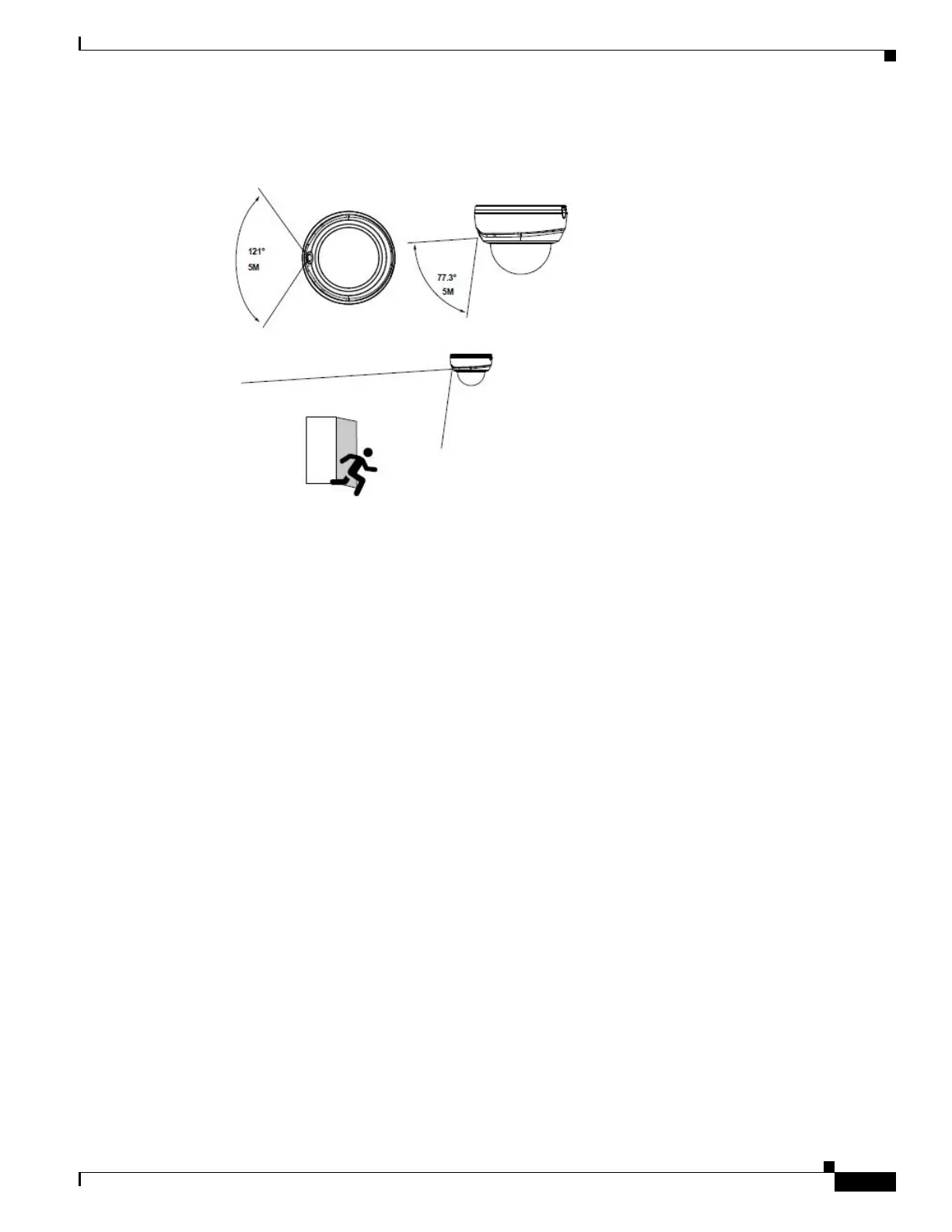
Step 3 The camera comes with a PIR sensor. Plan your installation position so that the PIR can cover the area
of your interest where the intrusion may occur. The rated detection distance is 5 meters.
Step 4 Attach the alignment sticker to a preferred location. Drill holes on the wall or ceiling to install the plastic
anchor and secure the camera using the included screws.
If preferred, drill one routing hole.



 To Next Page