EasyManua.ls Logo

Cisco CP-8851 - User Manual

Cisco CP-8851
11 pages
Print Icon
To Next Page IconTo Next Page
Loading...
CP-8851 / CP-8861
Do Not Ship Enclosure with Phone Installed
[PHONE MUST BE INSTALLED ON-SITE]
Question and Answer IconNeed help?

Do you have a question about the Cisco CP-8851 and is the answer not in the manual?

Cisco CP-8851 Specifications

General IconGeneral
BrandCisco
ModelCP-8851
CategoryIP Phone
LanguageEnglish

Summary

Product Identification and Shipping Warning

Critical Shipping Restriction

Do not ship enclosure with phone installed; phone must be installed on-site.

Mounting the Enclosure

Pre-installation Considerations

Considerations for safe installation, wall support, and qualified personnel.

Phone Preparation for Mounting

Disconnect Handset and Connect Cables

Remove handset cord, connect power and network cables before installing mounting bracket.

Backbox Wall Mounting

Step 3: Mounting Procedure

Prepare holes, insert anchors, align backbox, tighten fasteners, and torque to specifications.

Wiring Connections

Configuration Settings

Enable Auto Answer Mode

Install shunt on JP2 to activate the auto-answer function.
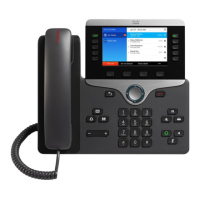
Phone Assembly to Backbox

Final Assembly and Fastening

Related product manuals