i
Table of Contents
Linksys EA-Series
i
Product Overview
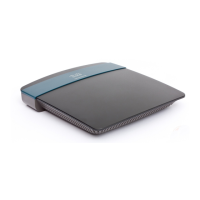
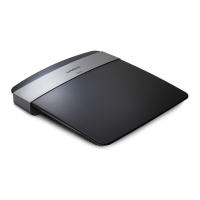
EA2700/EA3500 . . . . . . . . . . . . . . . . . . . . . . . . . . . . . . .1
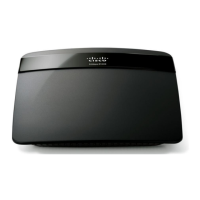
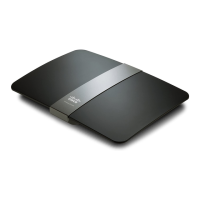
EA4500 . . . . . . . . . . . . . . . . . . . . . . . . . . . . . . . . . . . . .2
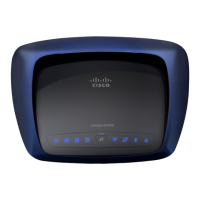
EA6500 . . . . . . . . . . . . . . . . . . . . . . . . . . . . . . . . . . . . .3
Setting Up Your EA-Series Router
Where to nd more help . . . . . . . . . . . . . . . . . . . . . . . . . .4
How to install your router . . . . . . . . . . . . . . . . . . . . . . . . .4
How to use Cisco Connect Cloud . . . . . . . . . . . . . . . . . . . .5
How to connect to Cisco Connect Cloud 5
How to change router settings 5
Troubleshooting
Your router was not successfully set up . . . . . . . . . . . . . . . .9
Windows XP Service Pack update . . . . . . . . . . . . . . . . . . . 10
Your Internet cable is not plugged in message . . . . . . . . . . . . 10
Cannot access your router message . . . . . . . . . . . . . . . . . . 11
Specications
Linksys EA2700 . . . . . . . . . . . . . . . . . . . . . . . . . . . . . . . 13
Linksys EA3500 . . . . . . . . . . . . . . . . . . . . . . . . . . . . . . . 14
Linksys EA4500 . . . . . . . . . . . . . . . . . . . . . . . . . . . . . . . 15
Linksys EA6500 . . . . . . . . . . . . . . . . . . . . . . . . . . . . . . . 16
Table of Contents


 To Next Page
 Loading...