4
Setting Up Your EA-Series Router
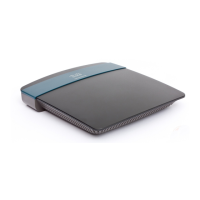
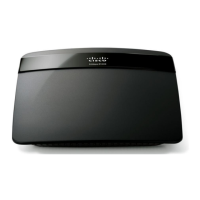
Linksys EA-Series
4
Where to find more help
In addition to this User Guide, you can find help at these locations:
• Linksys.com/support (documentation, downloads, FAQs, technical
support, live chat, forums)
• Cisco Connect Cloud help (connect to Cisco Connect Cloud, then click
Help at the top of the screen)
How to install your router
NOTE:
If you lose your setup CD, you can download the software from
Linksys.com/support.
To install your router:
1.
Insert the CD into your CD or DVD drive.
2.
Click Set up your Linksys Router.
If you do not see this:
• For Windows, click Start, Computer, then double-click the CD drive
and the Setup icon.
• For Mac, double-click the CD icon on your desktop, then double-click
the Setup icon.
3.
Follow the on-screen instructions to complete your router setup.
At the end of setup, follow the on-screen instructions to set up your Cisco
Connect Cloud account. Use Cisco Connect Cloud to easily manage your
router’s settings, such as:
• Change your router’s name and password
• Set up guest access
• Configure parental controls
• Connect devices to your network
• Test your Internet connection speed
NOTE:
As part of Cisco Connect Cloud account setup, you will be sent a
verification e-mail. Make sure that you open the e-mail from Cisco
and click the provided link.
Setting Up Your EA-Series Router



 To Next Page
 Loading...