52
Installing and Upgrading Internal Modules in Cisco 2800 Series Routers
OL-5792-04
Installing the Chassis Cover
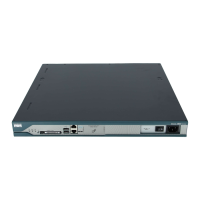
Installing the Cover on Cisco 2811 Routers
To install the chassis cover on a Cisco 2811 router, follow these steps. A number 2 Phillips screwdriver
is required.
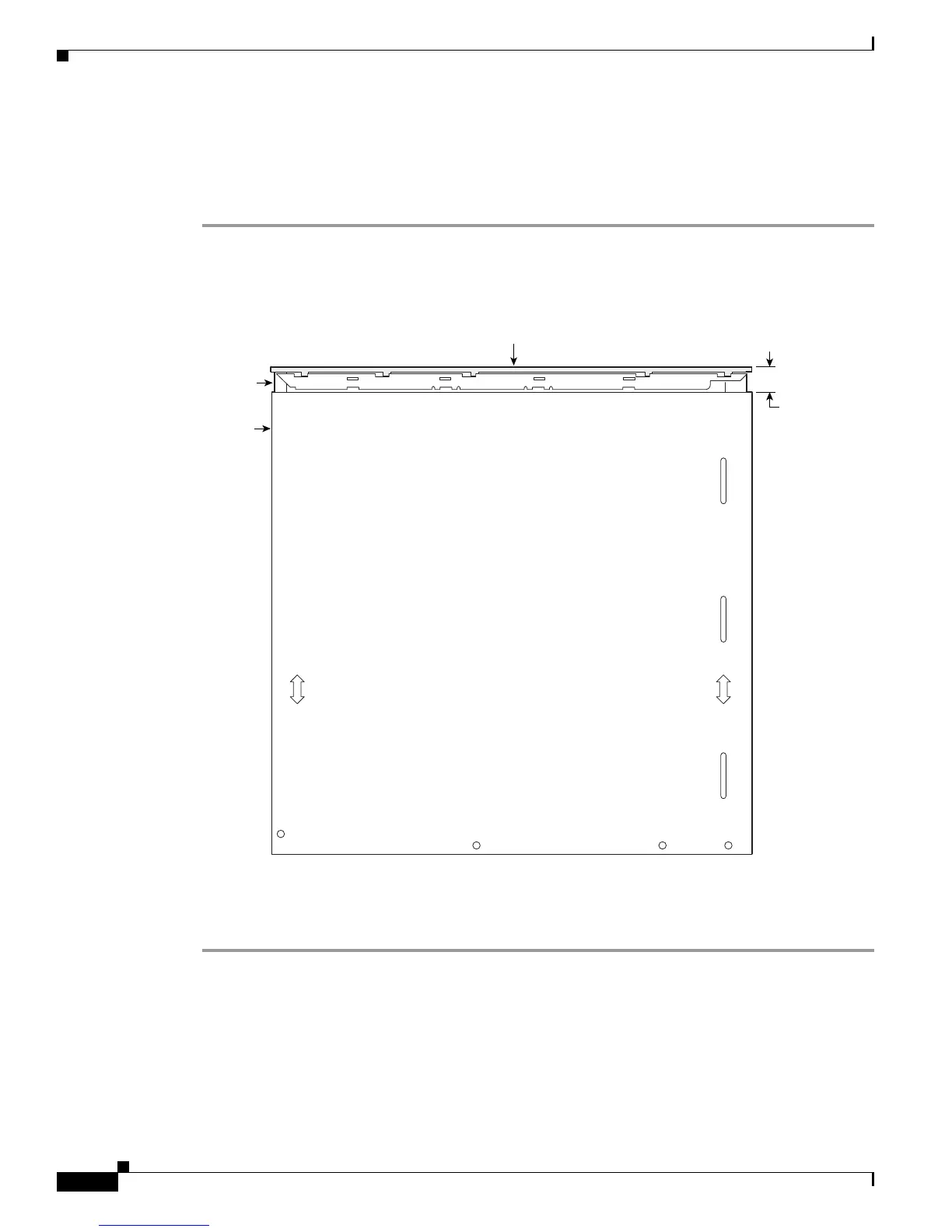
Step 1 Position the cover so that it rests flat on the chassis, with the front (bezel) end of the cover about 1 inch
(25 mm) from the front end of the chassis. See Figure 51.
Figure 51 Cover in Position for Installation
Step 2 Slide the cover toward the front so that the fingers enter the slots and the cover is fully closed. Press the
cover flat against the chassis while you slide the cover closed.
Step 3 Use a Phillips’ screwdriver to install the four screws at the top rear of the cover.
103528
Plastic bezel
Chassis
Cover
Approx. 1 inch
(25 mm)



 To Next Page