2 Cisco RV340 Router Quick Start Guide
Welcome
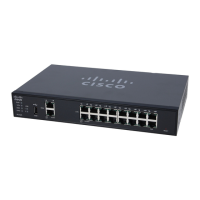
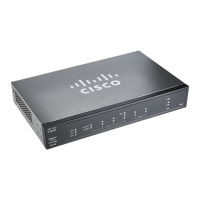
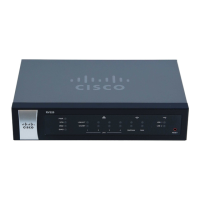
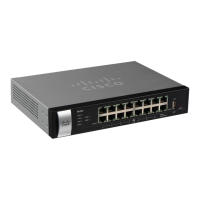
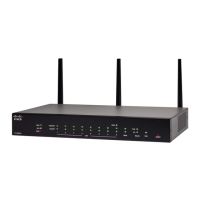
Thank you for choosing the Cisco RV340 Router.
This guide describes how to install your Cisco RV340 and launch the web-
based Device Manager.
Installing the Cisco RV340
To prevent the device from overheating or being damaged:
• Ambient Temperature—Do not operate it in an area that exceeds an
ambient temperature of 104°F (40°C).
•Airflow—Be sure that there is adequate airflow around the device. If
wall mounting the firewall, make sure that the heat dissipation holes are
to the side.
• Circuit Overloading—Adding the device to the power outlet must not
overload that circuit.
• Mechanical Loading—Be sure that the device is level and stable to
avoid any hazardous conditions and that it is secure to prevent it from
sliding or shifting out of position. Do not place anything on top of the
firewall, as excessive weight may damage it.
Desktop Mounting
For desktop mounting, place the device on a flat surface so that it sits on its
four rubber feet.
Wall Mounting
For wall mounting, the router has two wall-mount slots on the bottom panel.
To mount the router on a wall, you need mounting hardware (not included).
STEP 1 Drill two pilot holes, approximately 109 mm apart, into the surface.
STEP 2 Insert a screw into each hole, leaving a gap between the surface
and the base of the screw head of 1 mm to 1.2 mm.
STEP 3 Place the router wall-mount slots over the screws and slide the
router down until the screws fit snugly into the wall-mount slots.



 To Next Page