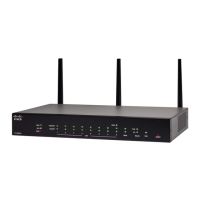
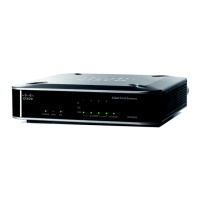
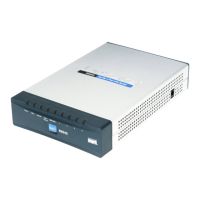
4 Cisco RV340 Router Quick Start Guide
Cisco RV340 Features
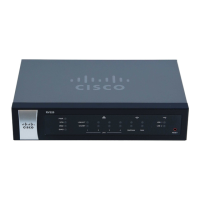
Front Panel
Power
Off when the device is powered off.
Solid green when the device is powered on and
booted.
Flashing green when the device is booting up.
Diag Off when the system is on track to bootup.
Slow blinking (1Hz) when the firmware upgrade is
in progress.
Fast blinking (3Hz) when the firmware upgrade is
failing.
Solid On when the system failed to boot-up.
WAN
Green (Link or Act)
Off when there is no Ethernet connection
Solid when the GE Ethernet link is on.
Flashing when the GE is sending or receiving
data.
WAN
Green (Gbit speed)
Solid when at 1000M speed.
Off when at non-1000M speed.
LAN
Green (Link or Act)
Off when there is no Ethernet connection
Solid when the GE Ethernet link is on.
Flashing when the GE is sending or receiving
data.
LAN
Green (Gbit speed)
Solid when at 1000M speed.
Off when at non-1000M speed.
DMZ Solid green when the DMZ is enabled.
Off when the DMZ is disabled.



 To Next Page