1 of 4
How to Configure your Cisco SPA509G Phone
BRIEFING
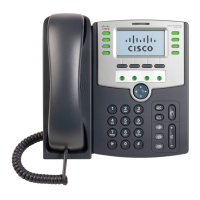
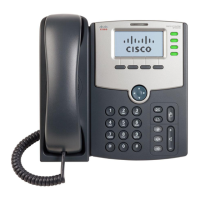
Zang Office supports the Cisco SPA509G desktop telephone. Before it can be used with Zang Office, the
phone must be connected and configured for the Cloud.
Before you begin, you need to know (from your administrator):
• Your SIP Username.
• Your SIP Password (click in this field to make the password visible).
• Your company’s Zang Office realm.
CONNECTIONS
Assemble the telephone and connect it to your network using an Ethernet cable (included).
Navigation button
Setup button
Handset connector
Network connector
AC Power
(5VDC)
©2018, Avaya Inc. All Rights Reserved.
20180802



 To Next Page