Installing Your Phone
(Optional) Attaching the Desk Stand
Cisco Small Business IP Phone SPA9XX User Guide 15
2
(Optional) Attaching the Desk Stand
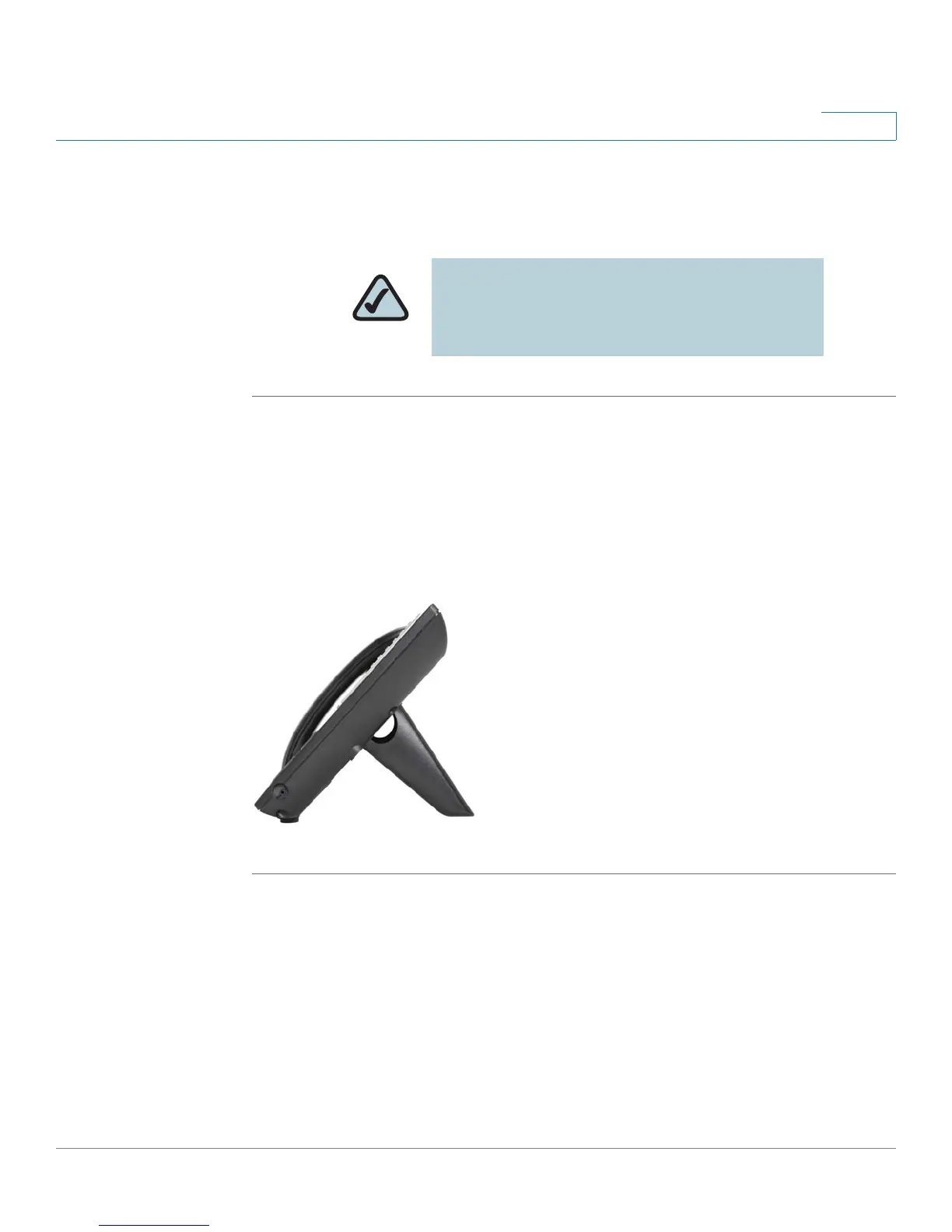
STEP 1 Line up the tabs on the desk stand with the slots on the back of the phone.
STEP 2 Slide the bottom tabs into the slots
STEP 3 Lightly press down on the top of the desk stand. It should easily slide into the top
slots. Do not force.
Figure 2 IP Phone with Desk Stand Attached
(Optional) Mounting the Phone to the Wall
To mount the phone to the wall, you must purchase the MB100 wall mount bracket
kit.
NOTE: Do not attach the desk stand if you
want to mount the phone to the wall. If you are
attaching a SPA932 attendant console attach
the console before attaching the desk stand.



 To Next Page