8 M109
English
∗ If you buy the RCB-176-200 sold separately, you
can enjoy the use of the Remote Control function.
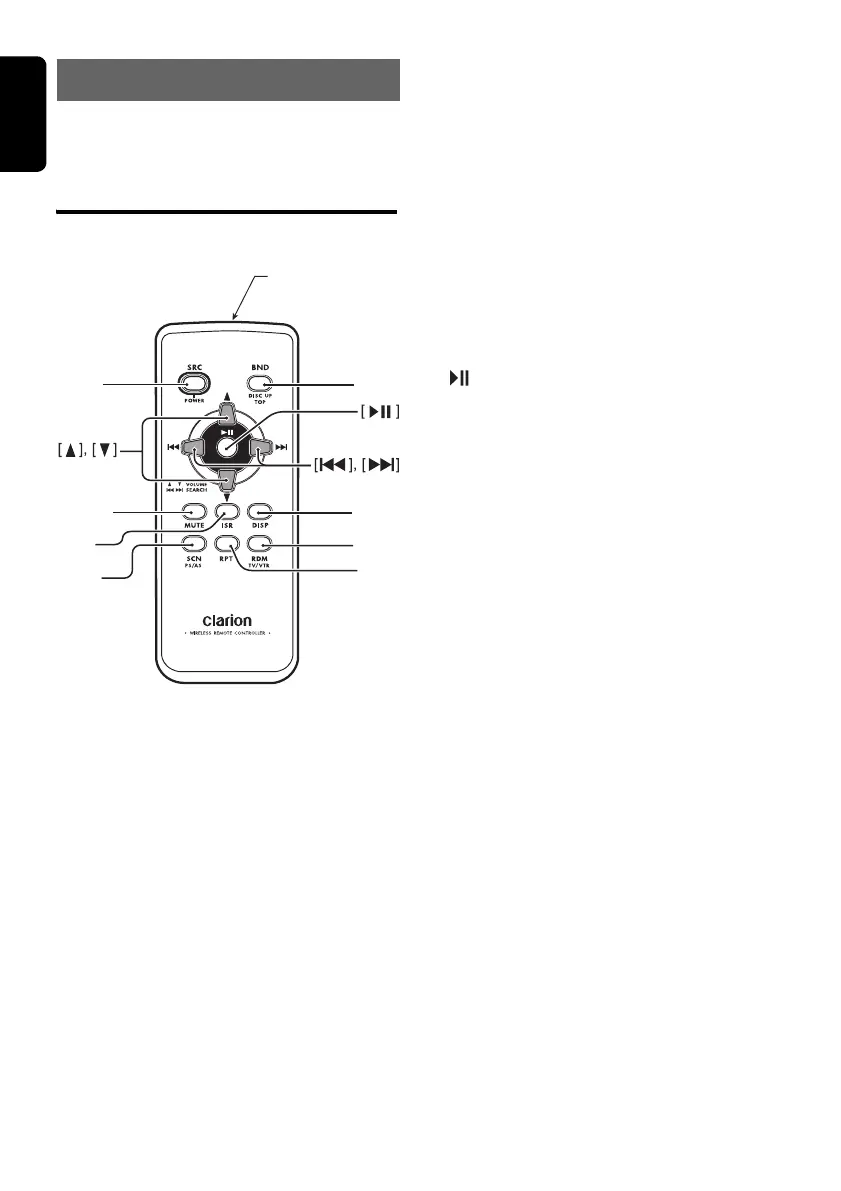
Functions of Remote
Control Unit Buttons
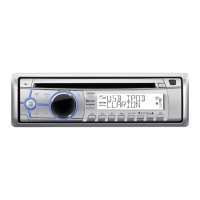
∗ Some buttons on the remote have different
functions from those on the main unit.
● Shared modes
[SRC] button
• Use to change operation mode.
[w], [z] buttons
• Increases/decreases volume.
[MUTE] button
• Turns mute function on/off.
[ISR] button
• Recalls ISR station stored in memory.
• Press and hold (2 sec.) to store current
station in ISR memory (radio mode only).
[DISP] button
• Press to select desired display.
● Radio mode
[BND] button
• Switches reception band.
[x], [v] buttons
• Change preset channels.
[SCN] button
• Press for preset scan play.
• Press and hold (2 sec.) for auto store.
● CD/MP3/WMA modes
[x], [v] buttons
• Press to select tracks.
• Press and hold (1 sec.) for fast-forward/fast-
reverse.
[ ] button
• Switches between playback and pause.
[SCN] button
• Press for scan play.
• In MP3/WMA mode, press and hold (1 sec.)
for folder scan play.
[RPT] button
• Press for repeat play.
• In MP3/WMA mode, press and hold (1 sec.)
for folder repeat play.
[RDM] button
• Press for random play.
• In MP3/WMA mode, press and hold (1 sec.)
for folder random play.
5. REMOTE CONTROL
[
SRC
]
[
BND
]
[
MUTE
]
[
ISR
]
[
SCN
]
[
DISP
]
[
RDM
]
[
RPT
]
Signal transmitter
01_M109_EN.book Page 8 Thursday, February 19, 2009 10:43 AM


 To Next Page