User manual / Bedienungsanleitung
Page / Seite 14 © clearaudio electronic GmbH, 2021-09
5.4 Adjustment of the tracking force
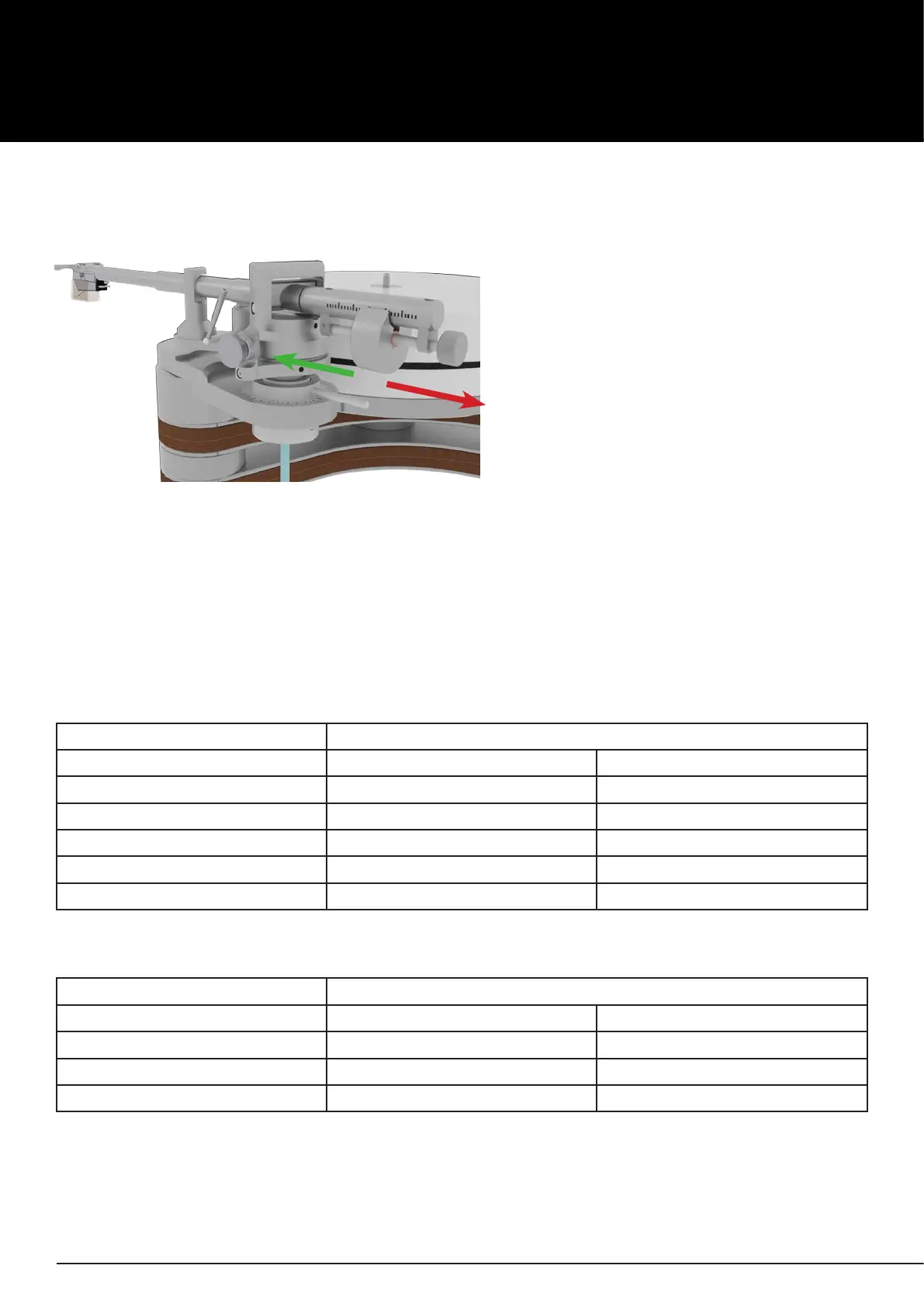
To increase or lower the tracking force, you have to turn the adjustment screw at the end of the
tonearm.
Pic. 15: Adjustment of the tracking force
Green arrow = Higher tracking force
Red arrow = Lower tracking force
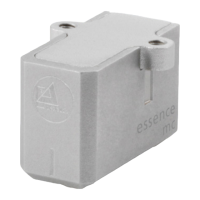
Classication of the counterweights for dierent cartridges, with a recommended
tracking force of 2.8g for
Universal
9“:
Counterweight in g Cartidge weight
From... to....
18.3g 2.9g 5.3g
31.5g 5.1g 8.9g
49.0g (pre-mounted) 7.7g 14.9g
66.0g 11.2g 19.9g
85.0g 15.0g 24.8g
Classication of the counterweights for dierent cartridges, with a recommended
tracking force of 2.8g for
Universal
12“:
Counterweight in g Cartidge weight
From... to....
49.0g 2.9g 11.3g
66.0g (pre-mounted) 5.6g 16.2g
85.0g 8.5g 21.0g
Use the chart below to check whether the correct weight is installed for your cartridge.
Please follow the instructions of the respective cartridge manufacturer.
If an exchange is necessary, you can loosen the screw on the underside of the counterweight using
an hex wrench (#1.5).
For the correct setting we recommend using the Clearaudio Weight Watcher touch digital cartridge
scale (Art. No. AC163, also available at www.analogshop.de).


 To Next Page