CFV Startup Guide
8 Part No. 750-288
Important
!
The use of soft water is highly recommended. Failure to observe this recommendation can lead to dangerous
operating conditions, and may result in damage to the boiler. If necessary, your Cleaver-Brooks
representative can provide additional information regarding your water softening requirements.
2 - STARTING THE BOILER
Ensure boiler has been filled with water (see above - 1.7 Filling Boiler). The DEMAND switch should be in
the OFF position.
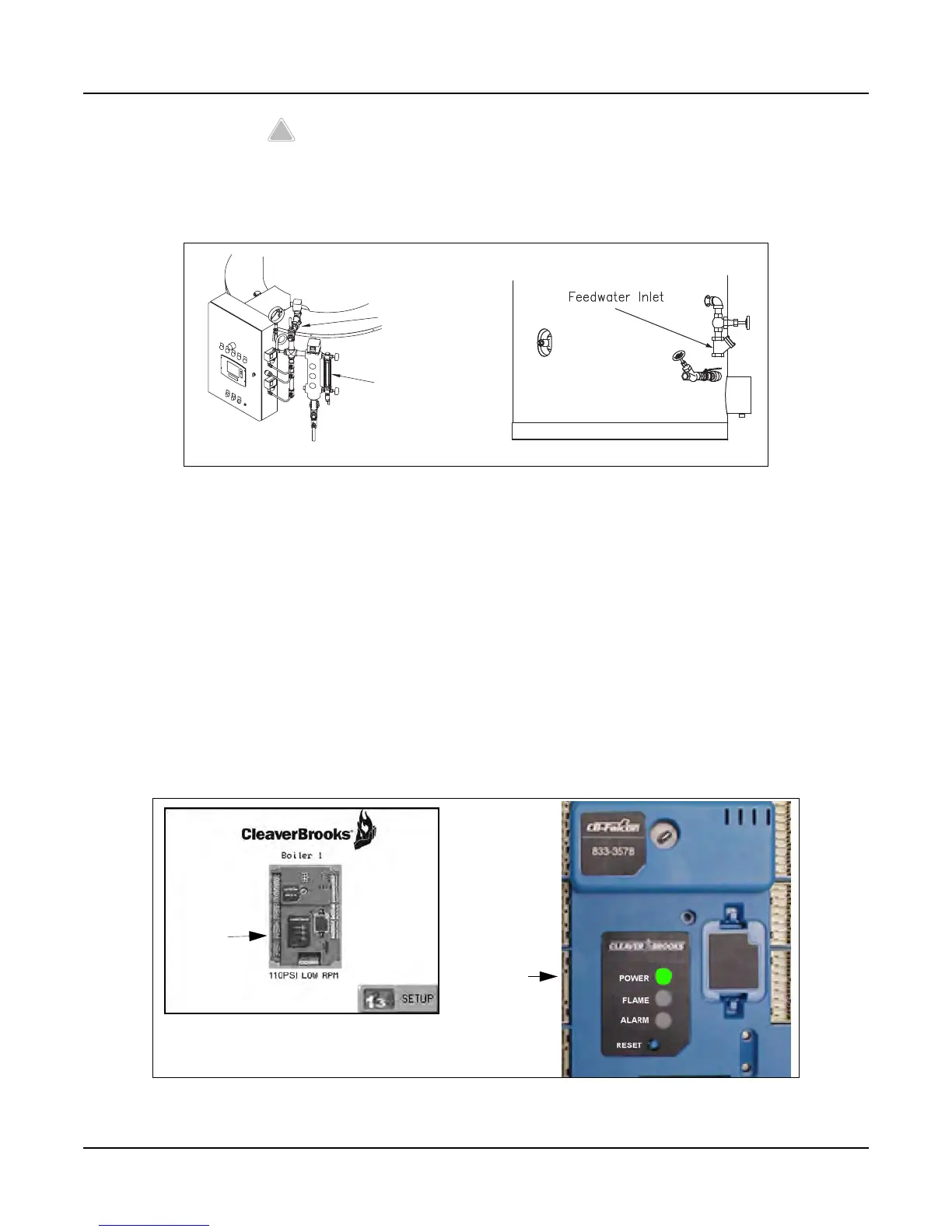
When the Control Circuit/Blower switch is turned ON, the Home page will appear on the CB Falcon display,
showing the boiler control icon. It may take a short time for the display/controller to initialize before the
Falcon icon appears.
If the Falcon icon does not appear, open the control panel and verify that the controller is receiving power.
The green ‘POWER’ LED should be lit (see Figure 9).
If the controller is powered on but still does not appear on the display, refer to manual. If unable to resolve
the problem, contact your CB representative.
Figure 8 Filling the Boiler
Figure 9 Home Page; Falcon power indicator
Vent Valve
Gauge Glass
HOME PAGE
POWER
Falcon
controller
icon
LED



 To Next Page