3Clover Station Pro Install Guide — EU 1.0
Put your Station Pro together
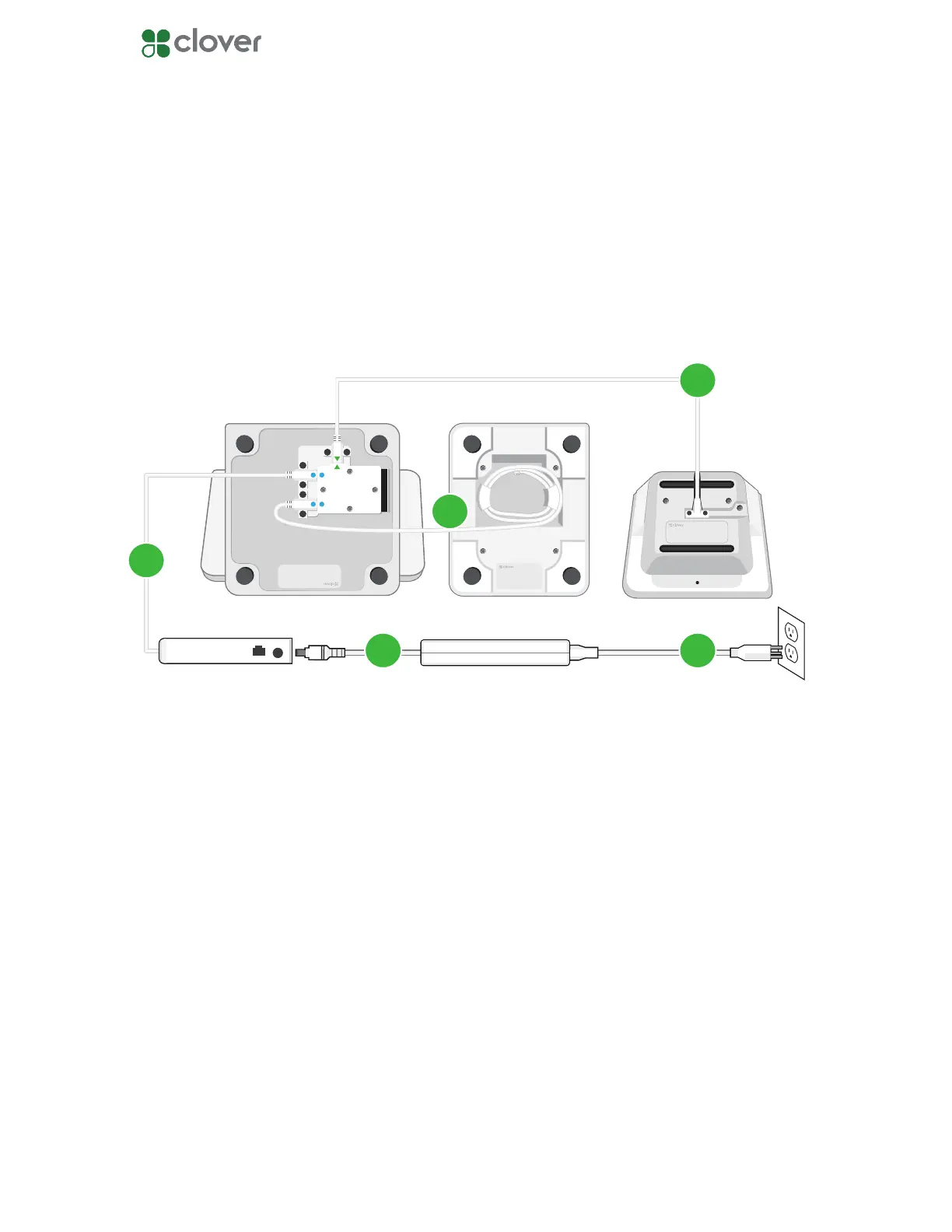
Plug in the cables for your Clover Station Pro
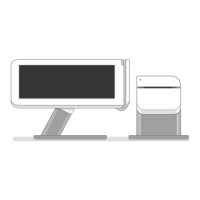
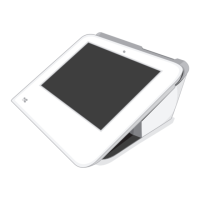
1. Plug the Station Pro Terminal into the Station Pro Display with the Display cable.
2. Plug the Station Pro printer into the Station Pro Display.
3. Plug the Station Pro hub into the Station Pro Display.
4. Plug the power brick’s circular cord into the Station Pro hub.
5. Plug the power brick’s power cord into a power outlet. The Station Pro will automatically
power on.
1
2
3
4
Station Pro Display Station Pro TerminalStation Pro Printer
5



 To Next Page