8Clover Station Pro Install Guide — EU 1.0
Customize your device
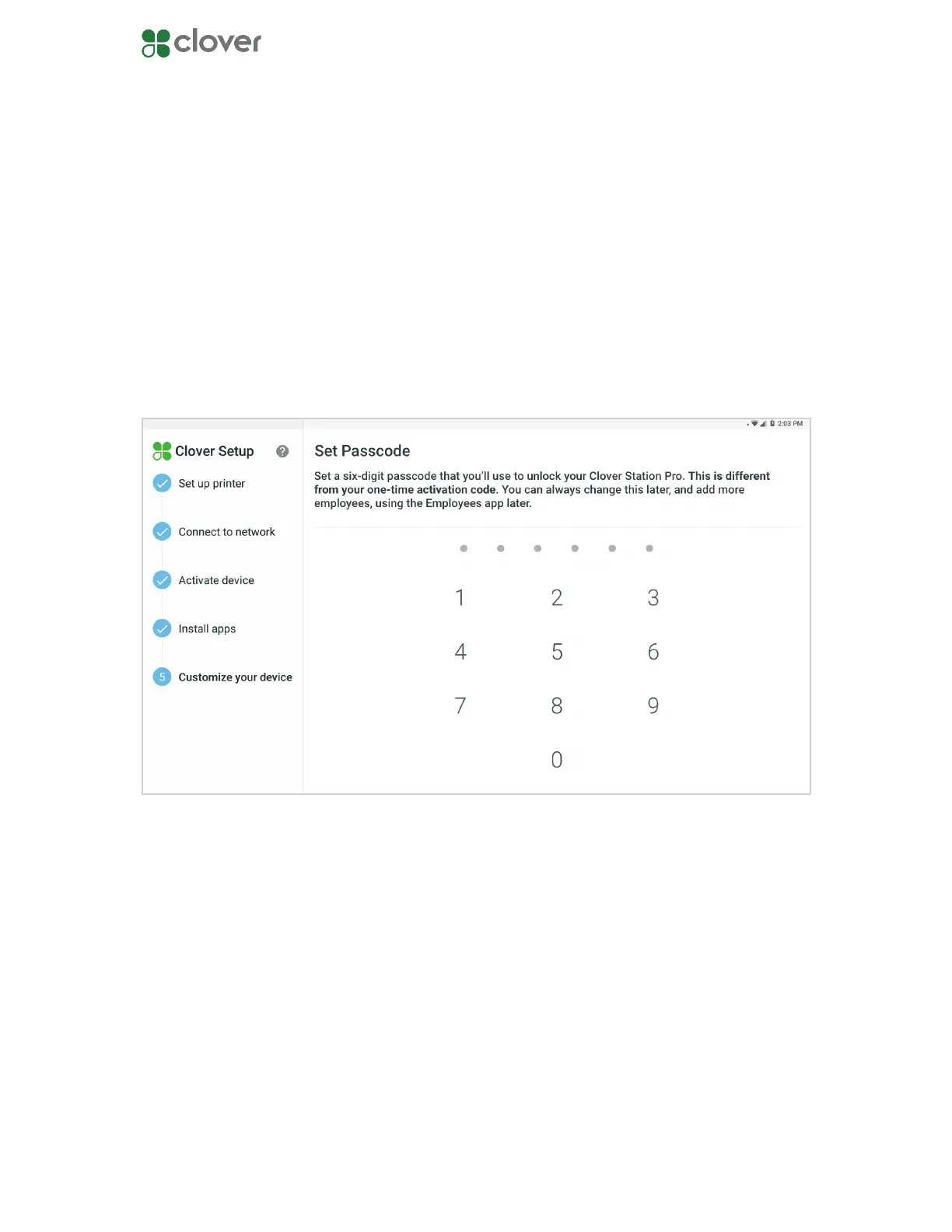
Register your owner passcode
1. Enter a 4 or 6-digit passcode.
2. Re-enter the passcode to conrm it.
If you’re activating your rst Clover device, you’ll be prompted to create an owner passcode.
You can use passcodes to provide dierent permissions to your employees.
Your passcode can be changed in the Employees app.
NOTE: You can change the employee passcode length to either 4 or 6 digits by going to your
Web Dashboard and selecting Employees > Setup.



 To Next Page