6Clover Station Pro Install Guide — EU 1.0
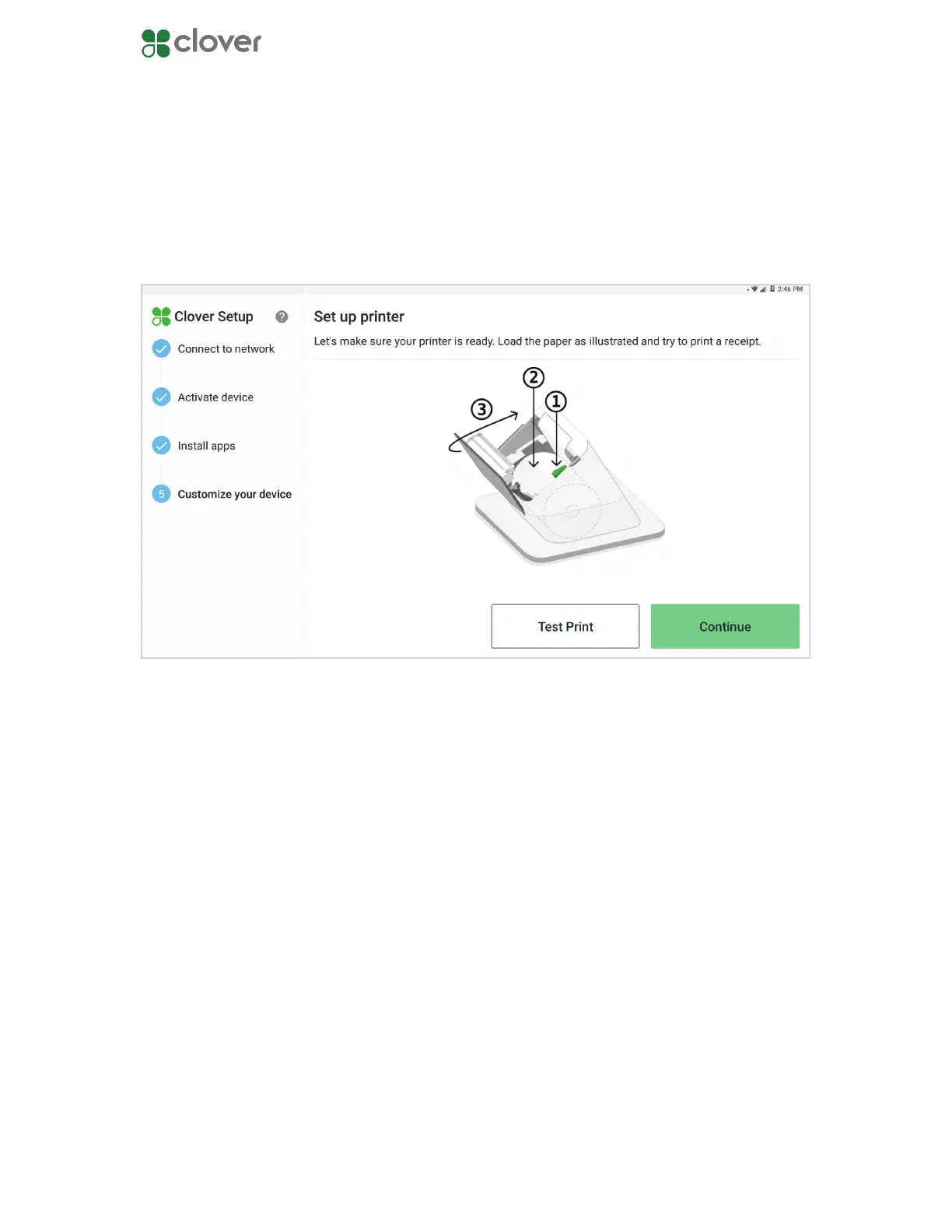
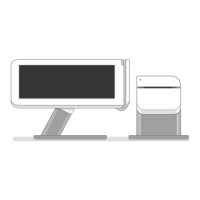
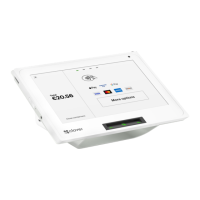
Test the Station Pro printer
1. Load a roll of paper into the Station Pro printer.
2. Tap Test Print. The printer will print out a test receipt.
3. Tap Continue when you are nished.
You can test your Station Pro printer to see if it’s working. If you want to skip this step, tap
Continue to move on.



 To Next Page