5.2 Installing new printer paper
Changing the printer paper takes patience and some fine finger work. Some may find it
easier to first remove the printer ribbon as described in section 3.1, and replace it after the paper
is in place. The paper is a 57mm wide roll of “ adding machine” type paper. It can be changed
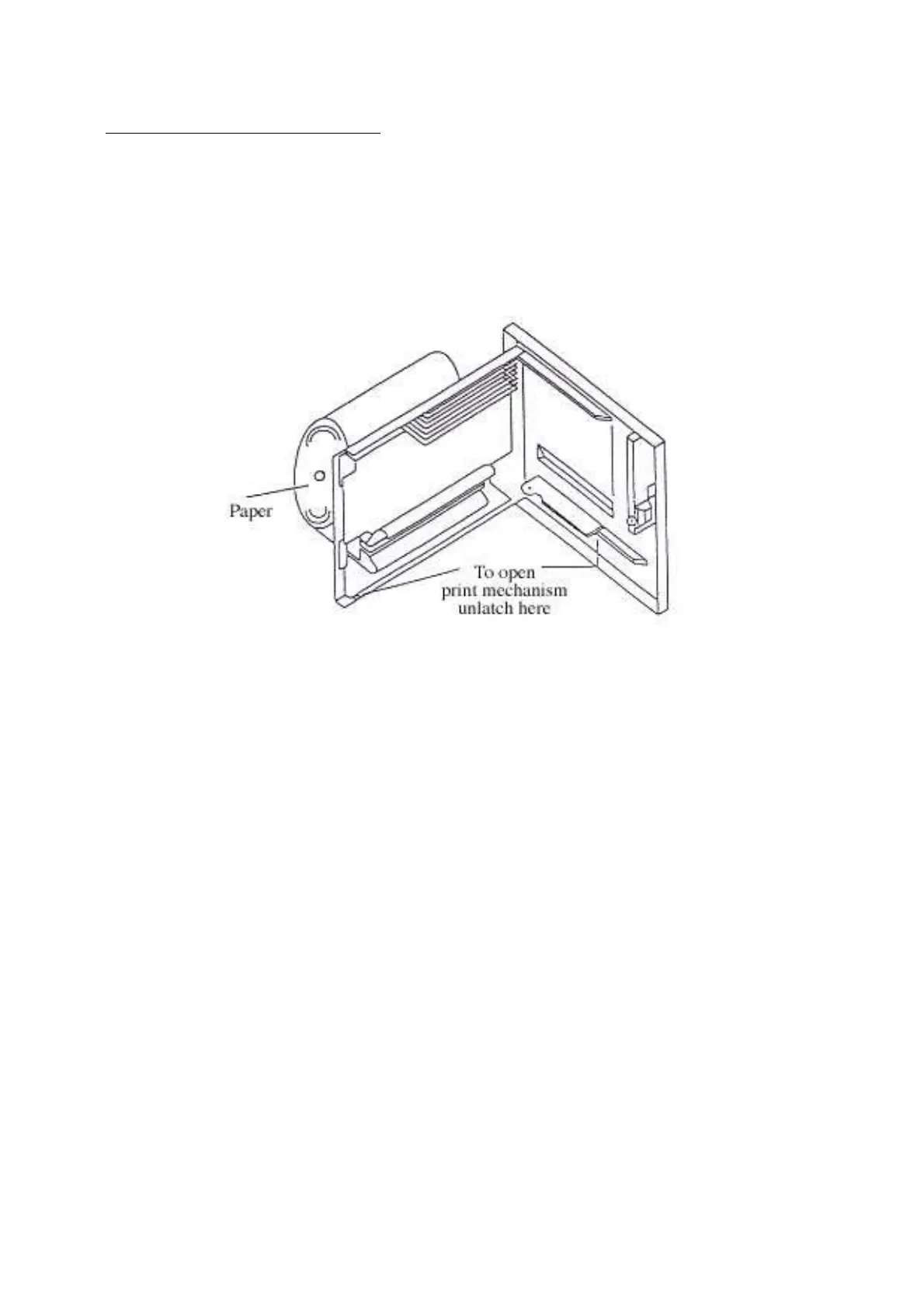
by the following procedure (referring to Figure 5.2)
1. Open the printer door by pushing the bottom of SW1 to the right, and giving the
door a slight pull if necessary. Once the door is open the printer roll will be visible.
Figure 5.2 Insertion of printer paper
2. If any paper protrudes from the front of the printer then tear it off using the serrated
edge of the plastic guide. Carefully pull the remaining paper out from behind the
printer door.
3. Press paper roll retaining button and slide the empty paper roll core out.
4. Take a new roll of paper and free the end. Cut the end to produce a clean edge
for feeding through the printer.
5. Thread the new roll past the retention button onto the paper spindle. The paper
should unwind in an anti-clockwise direction so that it feeds into the printer
from below.
6. Insert free end of the paper into the printer paper input slot.
7. Press the paper feed switch SW2 to its upper left until the printer feed mechanism
grips the paper and pulls it through the paper front.
8. Turn paper roll by hand so that all paper is wound firmly around the paper roll.
9. Close printer door and feed the paper through further using SW2. The paper may
need to be straightened by hand.
http://www.firealarmengineers.com



 To Previous Page