LIQUID CRYSTAL DISPLAY
Putting on the OL1000 SC
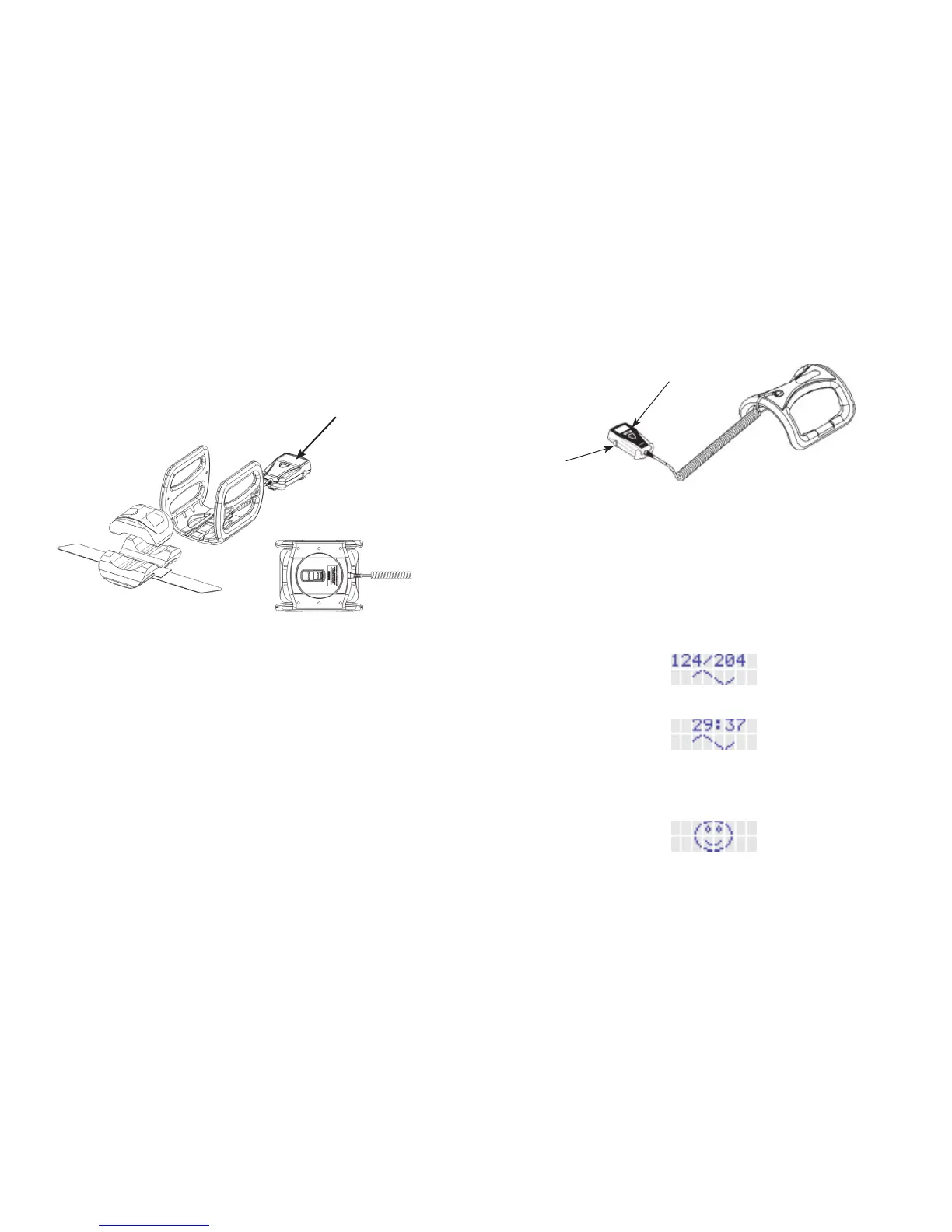
For examples of how to place the OL1000 SC on various areas
of the body, please see the Appendices.
1. Center the device's coil around the broken bone. (See
illustrations in Appendices.)
2. Close the strap, if you use one.
3. To start a treatment, press the “push button” next to the
liquid crystal display (LCD) screen (see Figure 3), hold it
down until it beeps, and then let go.
a. The treatment record will be displayed until it beeps.
b. The 30-minute treatment countdown will begin.
c. After 30 minutes, the “treatment complete” icon will
appear on the LCD screen, the device will beep twice and it
will automatically shut off.
4. Remove the device and store it until the next day. Please
see the Device Care and Storage section on page 12 for
instructions on the proper storage of the device.
LIQUID
CRYSTAL
DISPLAY
PUSH BUTTON
COIL
Figure 3. OL1000 SC
6 7
Starting Each Day's Treatment
• Putthedeviceonasyouwereshown.
• Usethedeviceasyouwereshown.
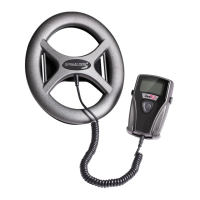
OL1000
Figure 2.
Putting on the OL1000
1. Place device (Figure 2, above) centered around where your
broken bone is located on your body. If you have a cast,
brace or external fixator, you may remove the foam pads
from the OL1000 for a better fit.
2. Close the strap, if you use one.



 To Next Page