Chapter 5: Configuration with web interface
98-169085-B Advanced settings 90
Power save
There are a number of options to save power in the EXPLORER 323. For a general description of
the power save options, see Power mode functions on page 34.
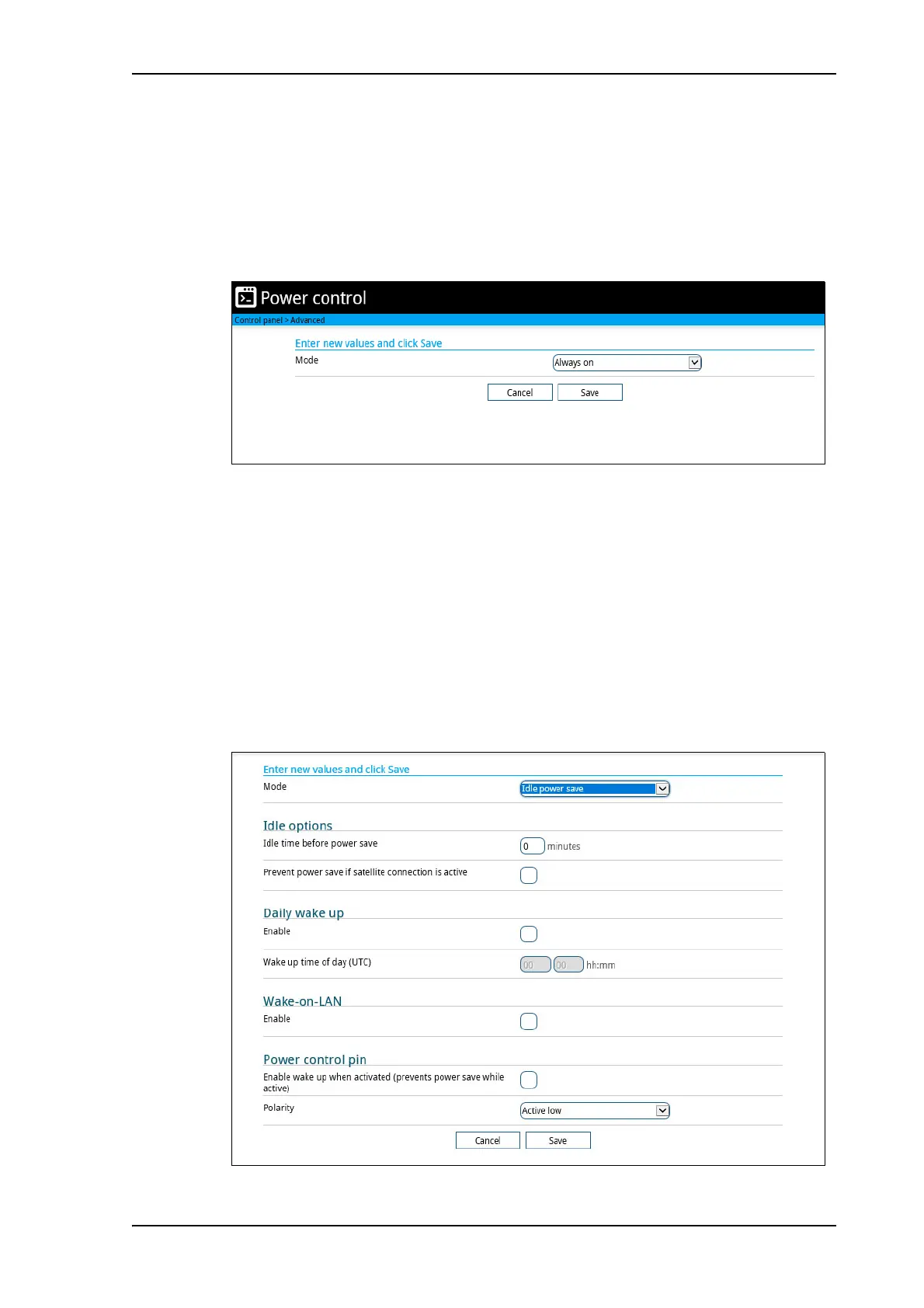
To set up the power save options, do as follows:
1. Under Advanced, select Power control.
2. Select the mode you want to use.
• Always on. This is the default setting. The terminal will never go into power save state
but will always be on when connected to power.
• Idle power save. The terminal will go into power save state after a (configured) period
with no activity. For details, see the next section Idle power save mode.
• Remote on/off. The terminal will go into power save state when the Power control pin
(Remote on/off signal) is inactive. For details, see Remote on/off mode on page 92.
3. Click Save.
Idle power save mode
1. In the Power control page, select Idle power save from the drop-down list.



 To Next Page