Chapter 4: Configuration with web interface
98-148232-B Status information 45
Status information
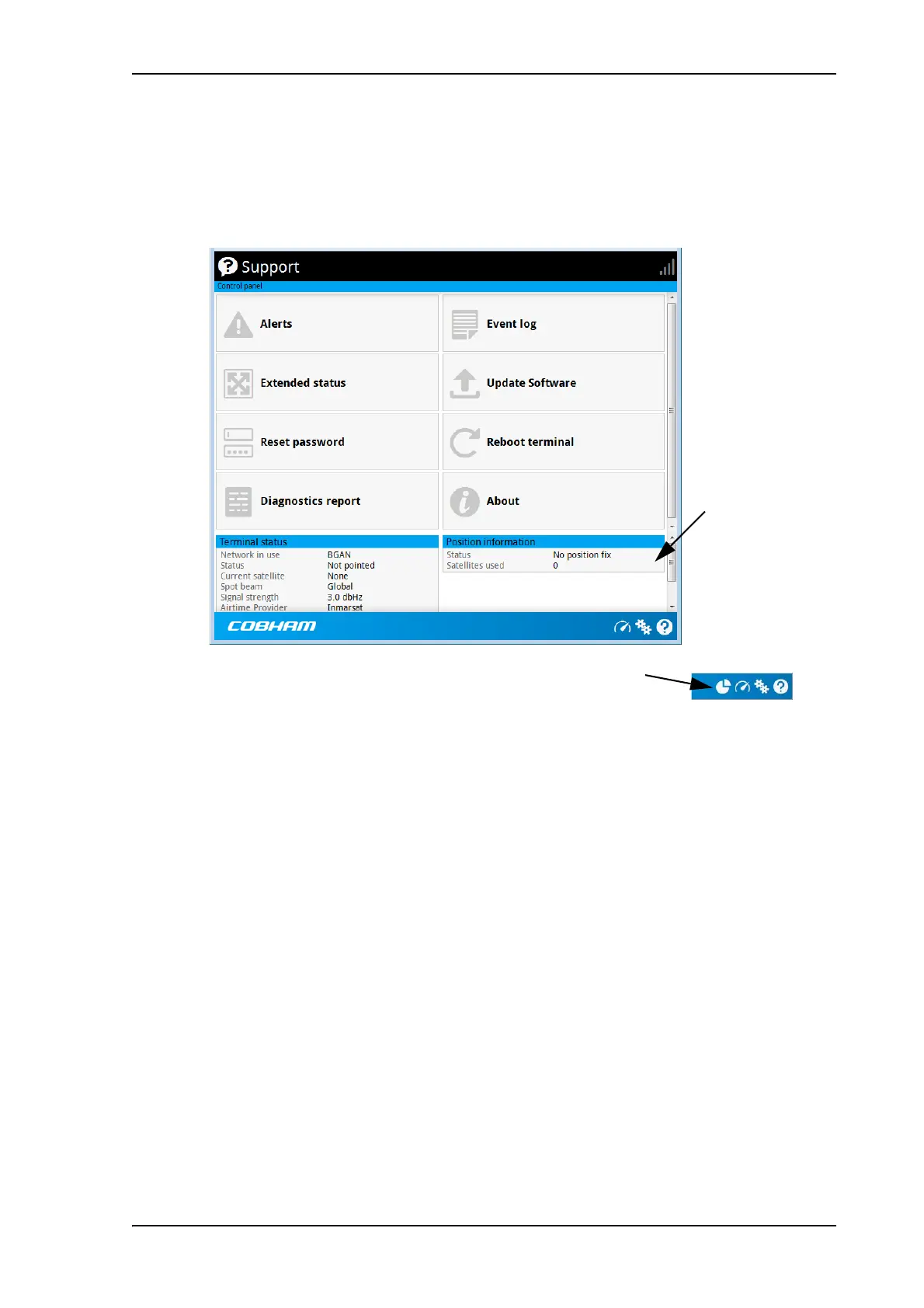
If the window is large enough, it shows a status field at the bottom of the page or in the right
side of the page. If not, click
at the bottom of the page to show the status page. Click
again to return to the previous page.
Small screen: Click here for status page
Status field



 To Next Page