Chapter 2: Operation
26 Messages
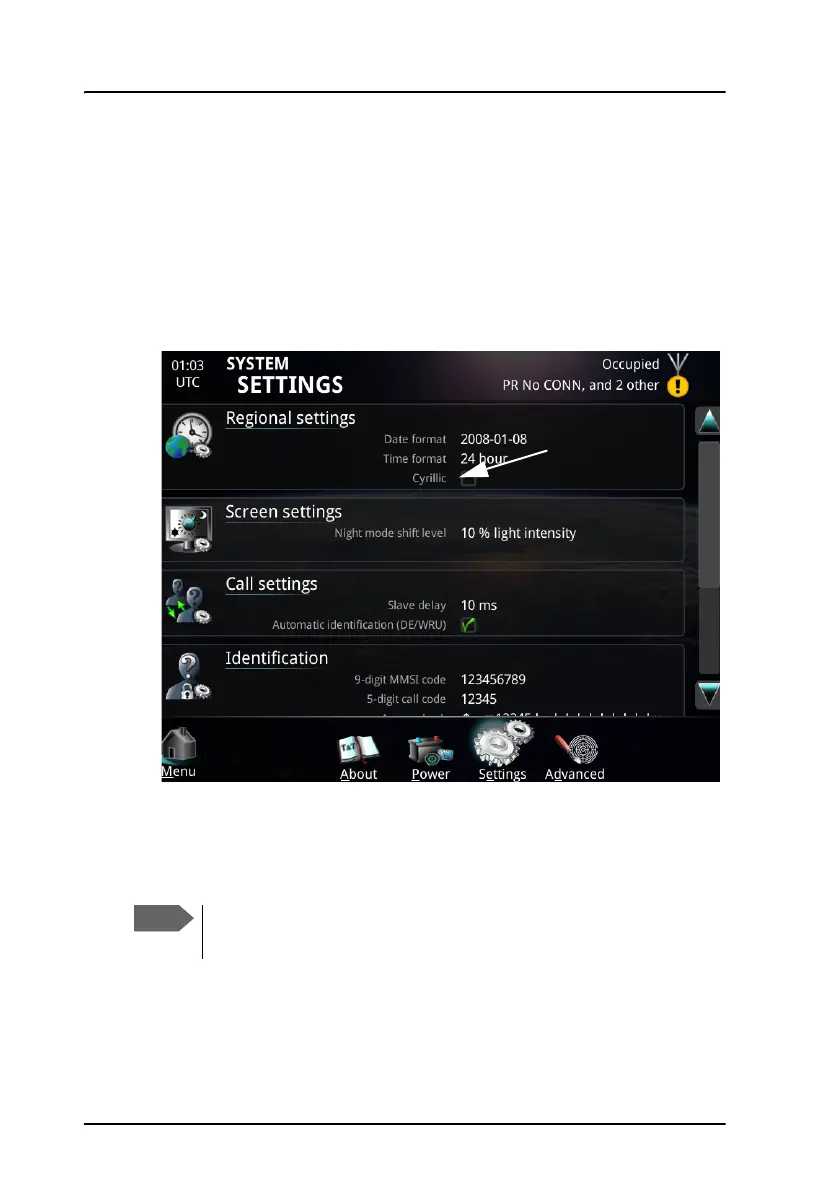
To use Cyrillic characters
To be able to type Cyrillic characters in your message, it must first be
enabled in the SYSTEM SETTINGS page.
To enable the use of Cyrillic characters in your message, first do as follows:
1. From the main menu, select System > Settings.
2. Select Cyrillic settings.
3. Select Enabled and then OK.
When Cyrillic characters are enabled, you can change your keyboard in the
telex call page or the message editor.
On the SAILOR 6018 Message Terminal only an on-screen Cyrillic
keyboard is supported.



 To Next Page