Chapter 3: Troubleshooting
54 Generate a diagnostic report
Generate a diagnostic report
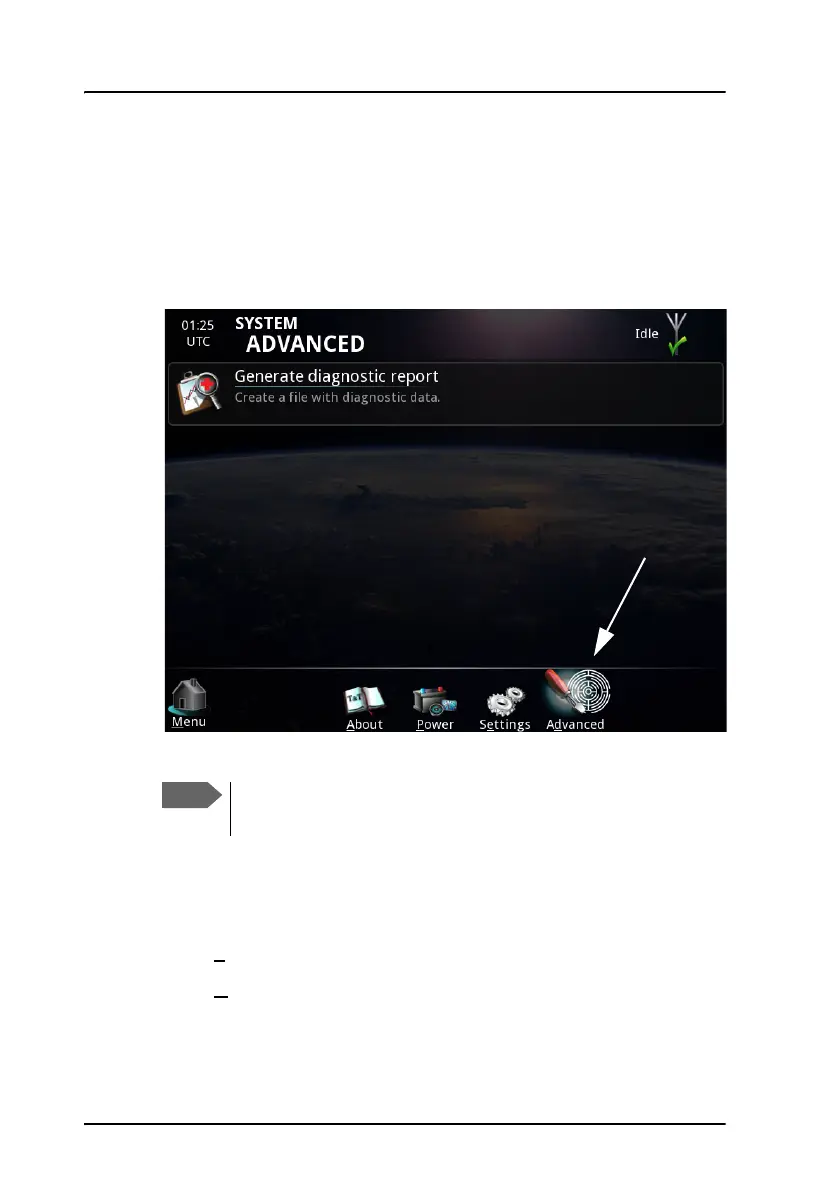
To generate a diagnostic report, do as follows:
1. Select System.
2. Select Advanced at the bottom of the page.
3. Connect a USB memory stick to your Message Terminal.
4. Select Generate diagnostic report.
5. Select USB and browse to the location where you want your
diagnostics file.
6. Select S
ave.
7. Select O
K.
Do not save the file on the Message Terminal itself; the file
format is not supported. Use a USB memory stick instead.



 To Next Page