Chapter 2: Operation
Messages 23
2222
Messages
Write message files for telex
If you want to write longer messages, you can use the Message function.
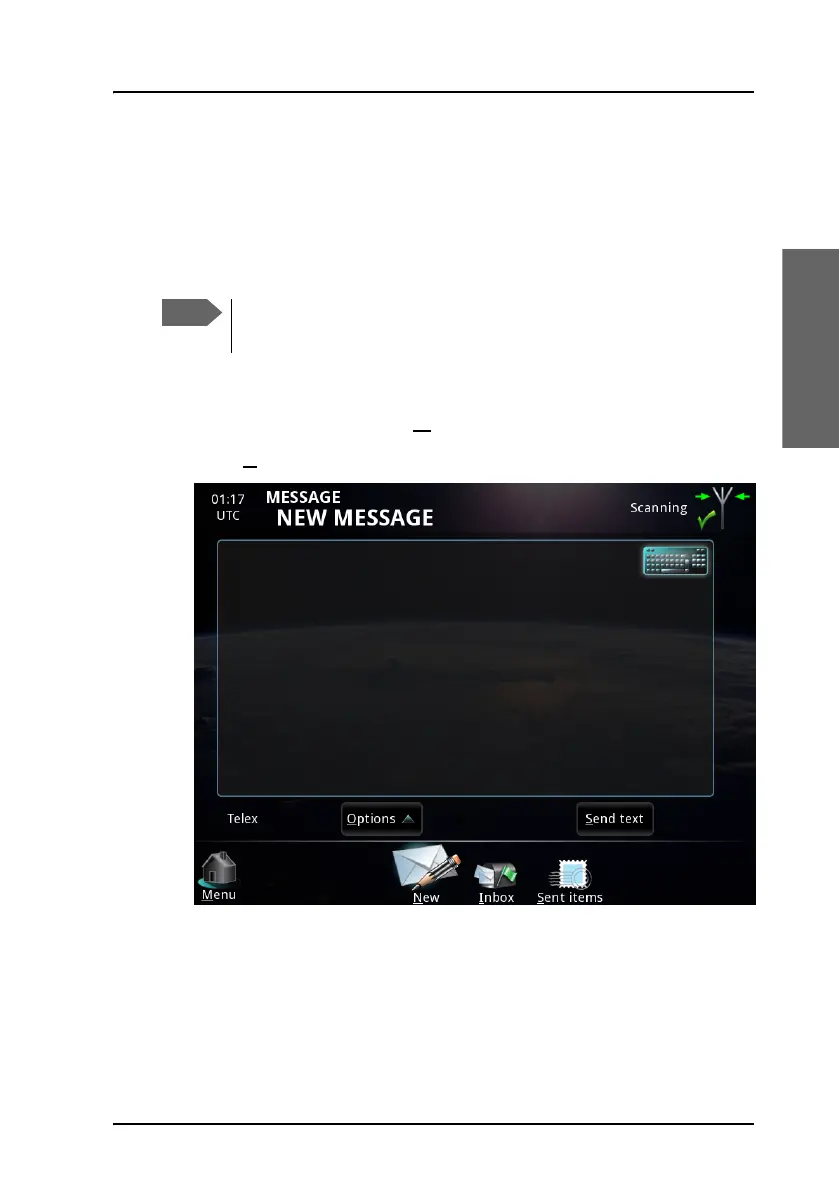
To write a message, do as follows:
1. From the main menu, select M
essage.
2. Select N
ew at the bottom of the MESSAGE page.
3. You now have two options:
• Type in the text using your keyboard or the on-screen keyboard in
the top right corner. Note that you can only use telex characters.
To make sure the text is properly formatted at the receiving end, we
recommend starting the file with a few empty lines (press Enter).
You can set up the terminal to use a Cyrillic keyboard. For details,
see To use Cyrillic characters on page 26.



 To Next Page