Chapter 2: Operation
50 Power status
Power status
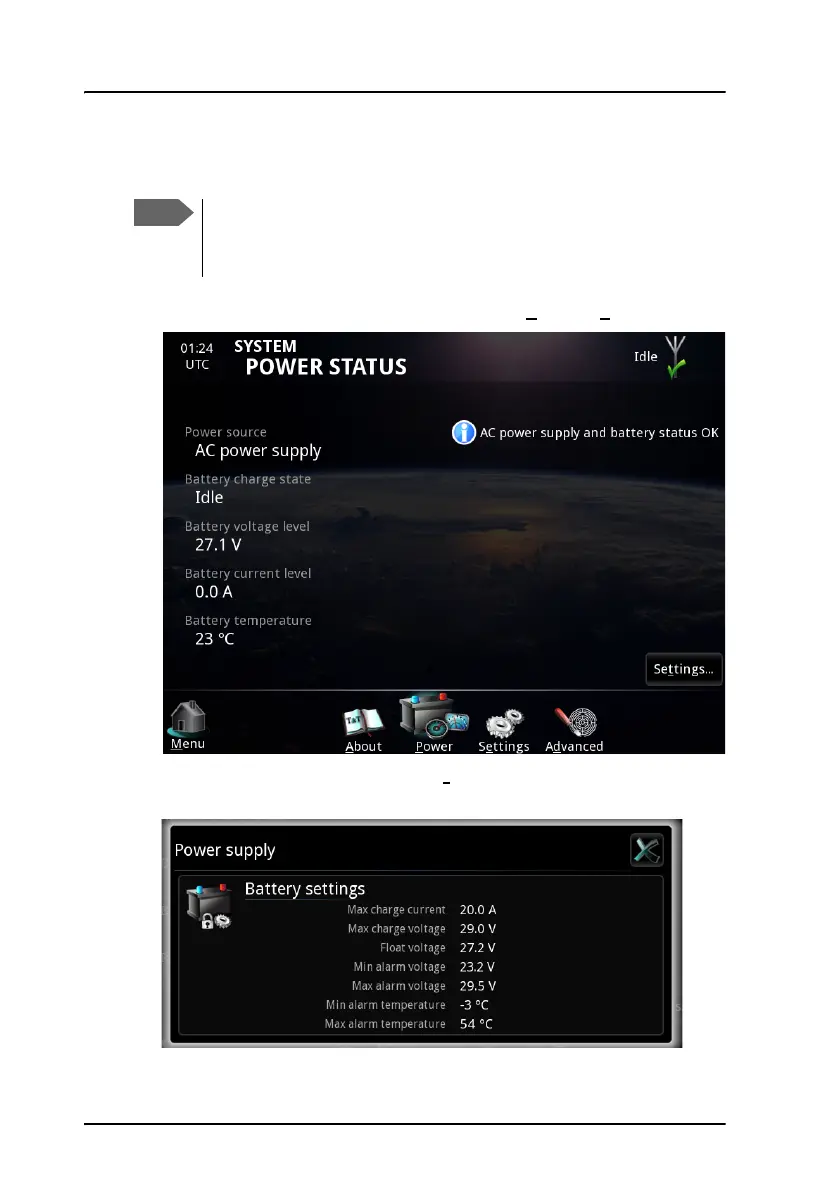
1. To see the status of the power source, select System > Power.
2. To see the power settings, select Set
tings... in the lower right corner of
the POWER STATUS page. The battery settings are displayed.
The Power status only shows information for the SAILOR 6081
PSU and charger. If you have a different power supply in your
system, there is no information available.



 To Next Page