Chapter 3: Troubleshooting
Status signaling 57
3333
Status signaling
The Message Terminal can show basic status and alert messages.
The upper right corner of the display shows the most important status
information.
Information of events
The Radiotelex system reports alerts of the type warning and caution, and
complies with the requirements for Bridge Alert Management according to
IEC-62923-1 (2018) and IEC-62923-2 (2018-8).
Popup windows
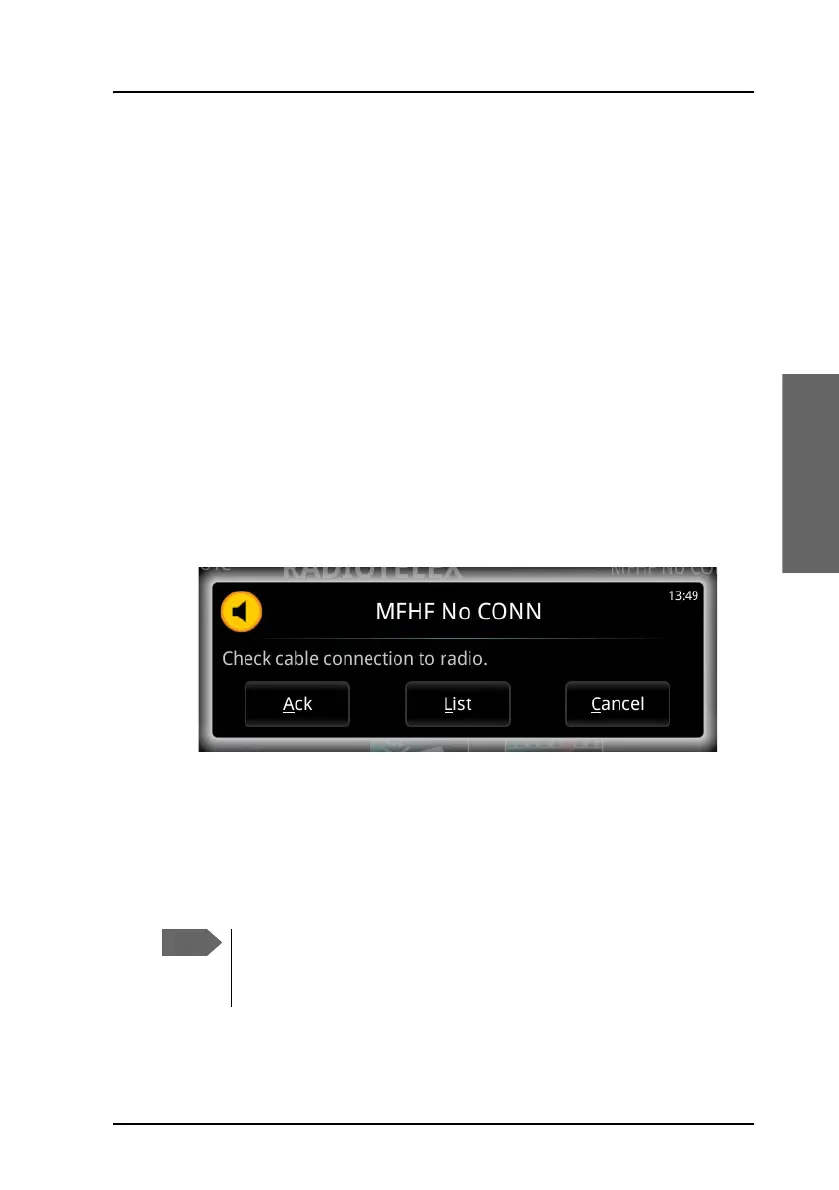
When an event requires your attention, a popup window appears.
Example:
When you have read the text, select Ack to acknowledge the alert and
close the popup., List to show the Alert list or Cancel to just close the
popup.
If the window indicates an alert that requires your action, the warning or
caution icon will stay in the top right corner of the display as long as the
problem persists.
The icon always shows the most important alert in the alert list.
When you acknowledge a warning alert, the icon changes. For
explanation of the icons, see Alerts on the next page.



 To Next Page