Chapter 3: Troubleshooting
58 Status signaling
If the system uses a SAILOR 6081 PSU and Charger, the Message Terminal
also shows cautions or warnings related to the power supply. For
information on the SAILOR 6081, see the manual for the SAILOR 6081 [4].
Alerts
Alert icons
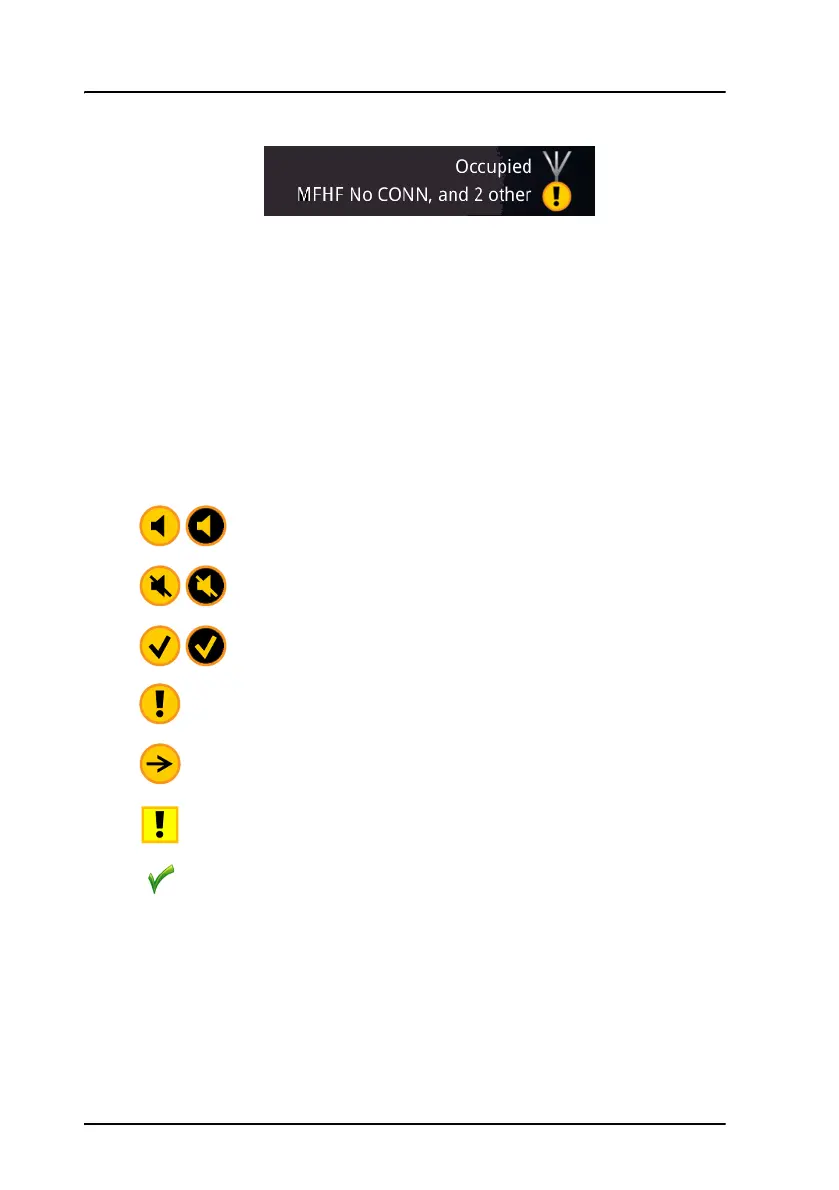
The top right corner of the display shows a short text about the current
status. The icon in the corner can change depending on the situation.
Warning: Active unacknowledged alert (flashing)
Warning: Active unacknowledged alert, silent (flashing)
Warning: Inactive unacknowledged alert, rectified (flashing)
Warning: Active acknowledged alert
Warning: Active transferred alert
Caution: Alert
Status OK, no active alerts



 To Next Page