EasyManua.ls Logo

COBHAM SAILOR 6300 - User Manual

COBHAM SAILOR 6300
98 pages
Print Icon
To Next Page IconTo Next Page
Loading...
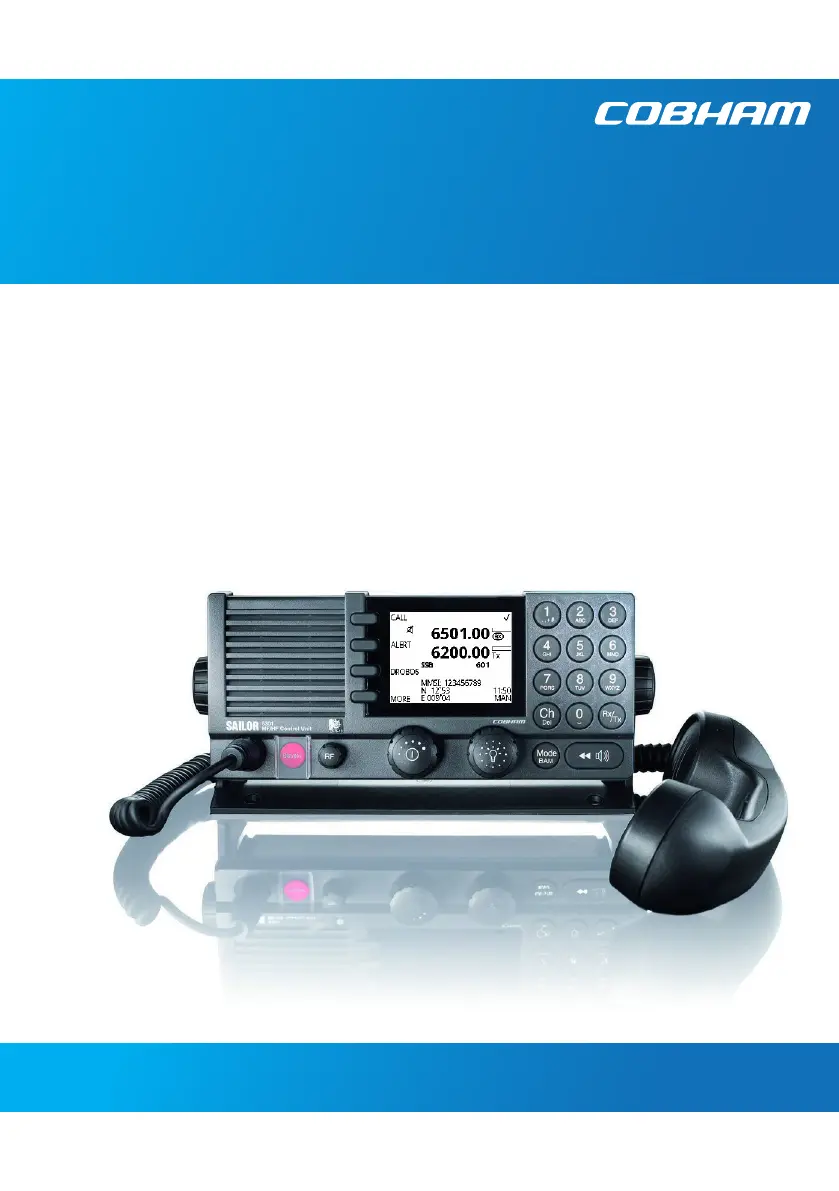
SAILOR 6300 MF/HF DSC
User manual
150W/150W FCC/250W/500W

Other manuals for COBHAM SAILOR 6300

Questions and Answers

  • J
    Jessica CummingsAug 2, 2025
    Why is manually entered time & date overwritten on my COBHAM Radio?
    • J
      Jessica LambAug 2, 2025
      If your COBHAM Radio receives valid time information via NMEA on any input port, this source will be used to set the system time, overwriting any manually entered time and date.
  • R
    Ronald ButlerAug 10, 2025
    Why is the position source used on my COBHAM Radio different from what I expected?
    • A
      Alexander ReedAug 10, 2025
      If the position input source is set to Automatic position (see System Setup), sentences from the following talkers GP, GL, GN (and GA) are prioritized. Position source is selected by the quality indicator: 1. Differential 2. Precise, Autonomous, Float_RTK, Realtime_RTK 3. Estimated and Manuel 4. Unknown (for instance, if not supported in sentence) 5. Simulated and Invalid On equal priority, the following port order is used: 1. NMEA TU 2. NMEA CU (valid input is always autonomous quality) 3. LWE1 4. LWE2 5. LWE3 6. INM-C The device will automatically switch to the position source with the highest priority available after 5 seconds when switching to a lower priority input and 30 seconds when switching to a detected higher priority input.
  • S
    Stephanie LyonsAug 17, 2025
    Why does my COBHAM Radio override manually entered time and date?
    • N
      Nicholas GutierrezAug 17, 2025
      If your manually entered time and date on the COBHAM Radio is being overridden, it's because the system is receiving valid time information via NMEA on one of its input ports. When this happens, the radio automatically uses the NMEA time source to set the system time.
  • R
    Rachael MerrittAug 25, 2025
    Why is the COBHAM Radio position source selected via LAN different from expected?
    • A
      Amanda NguyenAug 25, 2025
      The SAILOR 6588 DGNSS Receiver can transmit position over LAN/LWE. Automatic discovery and selection of up to three (LWE1, LWE2 and LWE3) SAILOR 6588 DGNSS Receiver source inputs are supported via SLP. If any of the LWE source inputs are manually programmed in System Setup, this will be excluded from automatic discovery. Available source inputs will discover and use the SAILOR 6588 DGNSS Receiver LWE sources with the most important role (primary, secondary, …).

Summary

Safety Summary

General Safety Precautions

Key safety points including grounding, explosive atmospheres, and live circuits.

RF Exposure Hazards and Instructions

RF Exposure Warning and Limitation

Information on RF energy, safety distances, and warranty limitations.

Emergency Calls

Training Information

Chapter 1 Introduction

SAILOR 6300 MF;HF DSC Overview

Introduction to the modular and flexible MF/HF radio for maritime use.

System Features and Overview

Key capabilities, system components, and configuration examples.

Chapter 2 Operation

General Use and Navigation

Basic operations including power, volume, tuning, modes, and RF gain.

DSC Calls Management

Comprehensive guide to DSC calls, including Distress, Relay, and general calls.

Sending and Cancelling Distress Alerts

Procedures for sending, cancelling, and relaying Distress alerts.

Receiving and Managing DSC Calls

Handling incoming Distress calls, errors, and call logs.

Chapter 3 Service & Maintenance

Troubleshooting and DSC Self Test

Diagnosing issues and performing DSC self-tests.

Alerts and Diagnostics

Managing BAM alerts, icons, acknowledgment, and system logs.

COBHAM SAILOR 6300 Specifications

General IconGeneral
BrandCOBHAM
ModelSAILOR 6300
CategoryTransceiver
LanguageEnglish

Related product manuals