Chapter 2: Operation
DSC calls 29
2222
3. Make the entries for the desired call type:
4. Push the soft key SEND to make the call.
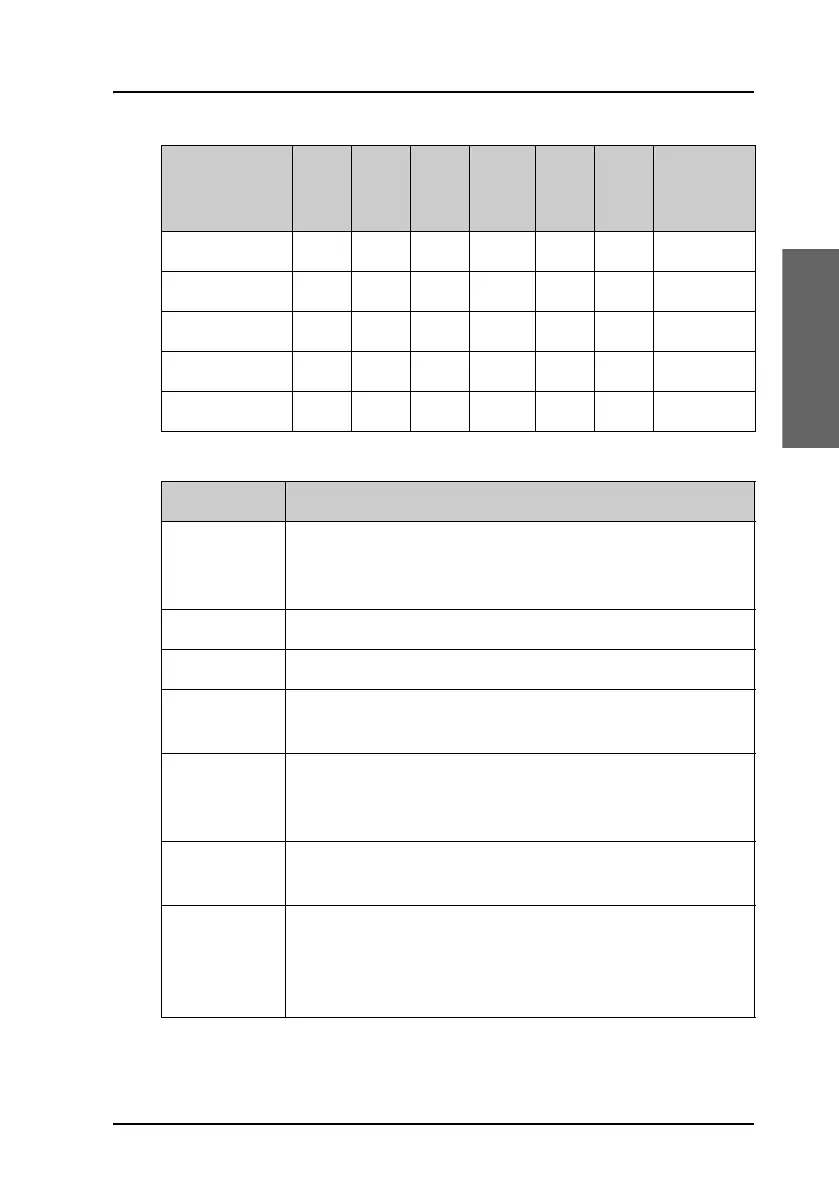
DSC call type Cat To: DSC: Mode CMD Ch DEST
CENTRE +
RADIUS
INDIVID. X X X X — X —
SATETY TEST — X X — — — —
Position —XX————
Group —XXX —X—
Area X—XX X—X
Item Description
TO: Enter the 9-digit MMSI number of the vessel you want to
contact or use the phone book (PHBOOK) to select a
contact.
DSC: Enter a frequency for the DSC call.
Mode: Select the sub communication mode SSB or TELEX FEC.
Cat: Select a DSC call category, depending on the call type
(Routine R, Safety S or Urgency U)
CMD: Select Medical transport or Neutral crafts (if enabled in
DSC setup on page 44). Only for the category: Urgency
calls.
Ch: Enter the suggested frequencies for voice
communication.
DEST
CENTRE +
RADIUS
For Area calls enter the destination center with latitude
and longitude data, plus the destination radius in nm. For
information about how areas must be entered see
Geographical area calls on page 37.



 To Next Page