Chapter 2: Operation
Basic MF/HF radio communication 17
2222
Basic MF/HF radio communication
You can make radio calls using the Handset or another speaker device.
• Ship-to-ship communication: Use simplex channels.
• Ship-to-shore communication: Use duplex channels.
Only valid frequencies and channel numbers are accepted.
Selecting SSB telephony frequency
1. Check that the MF/HF radio is in SSB mode. If necessary, push the
button Mode/BAM to switch to SSB.
2. Enter an RX and TX frequency, for example 2182 kHz, the
international calling and Distress frequency for maritime
radiotelephone communications on the marine MF bands.
• First push on the RX/TX button: Enter Rx frequency.
• Second push on RX/TX button: Enter Tx frequency.
• Long push on selector knob: Edit mode to fine-tune frequencies. In
SSB mode (Voice clarify), in 10 Hz steps. One more push changes the
step size to 100 Hz.
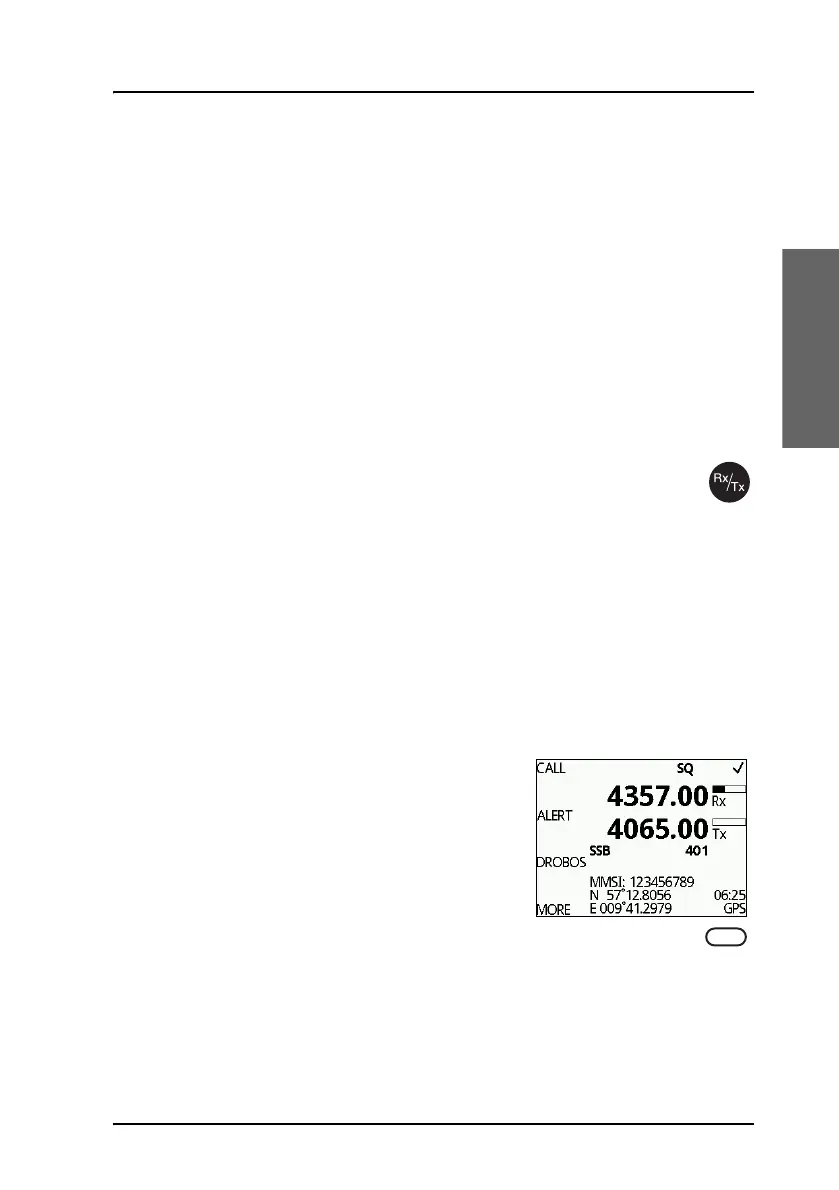
Receiving a SSB telephony call
When you hear your ship’s name or call sign
in the loudspeaker. Proceed as follows:
1. Take the Handset of the hook.
2. Push the PTT button and wait until the
tune icon has disappeared. The symbol TX shows that the
radio is transmitting on the frequency displayed and the transmission
power bar shows output power.
3. Repeat the name of the station calling you and say: “This is [your ship’s
name]”.



 To Next Page