Chapter 2: Operation
16 General use and navigation
Changing the display colors and dim function
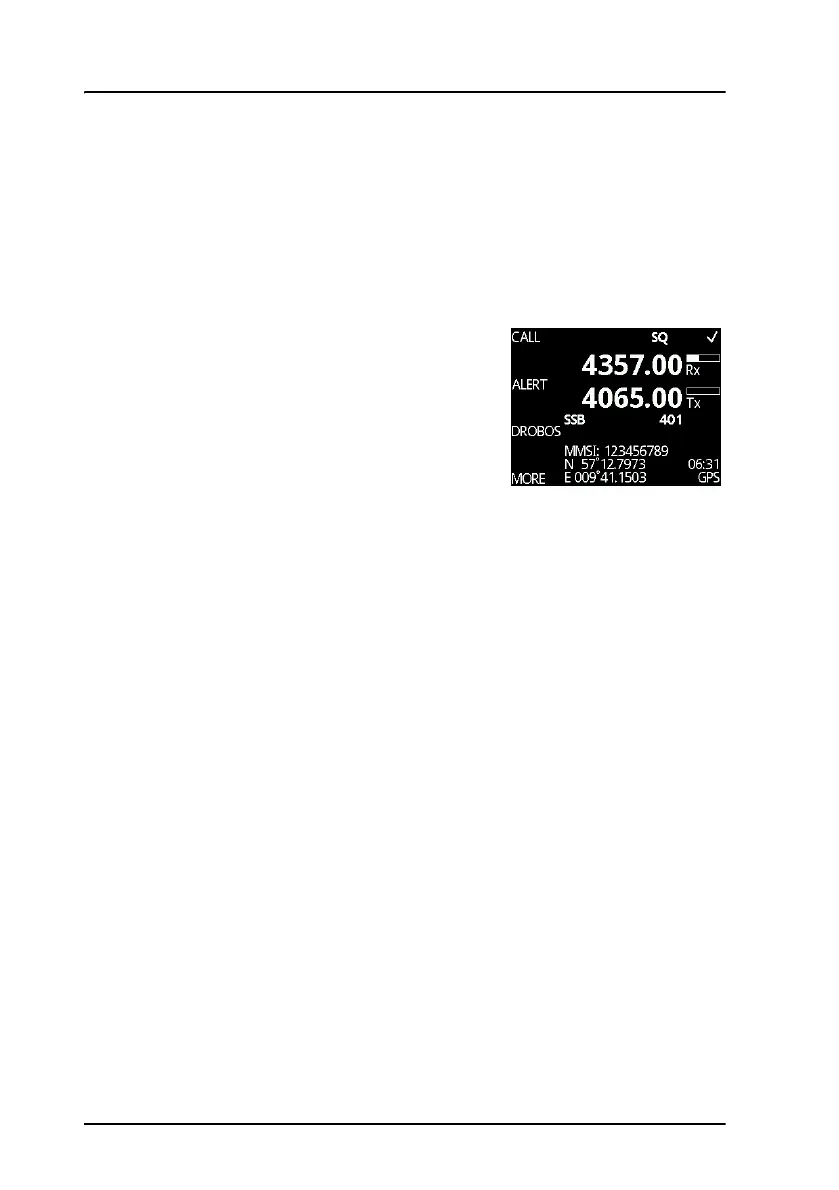
Red text on black background is available for optimal night vision. To dim
the display backlight, e.g. to give comfortable night vision, push, hold
and turn the selector knob anti-clockwise. The display shows a brightness
bar. At the brightness value 45 the display changes to night view with red
text on black background.
To return to day vision push, hold and turn the
selector knob clockwise until the display
changes and it reaches the desired brightness.
The radio has two color themes: Black text on a
white background (default) or white text on
black background. To change the color theme
see System setup on page 46.
Squelch on/off (soft key)
By pushing the SQLCH soft key, the operator can activate a squelch
function on the MF/HF system.
When squelch is enabled, use the RF gain knob to adjust the desired level of
muting the noise signal.
In most cases, enable squelch when no signal is heard, turn the RF gain
knob until the audio is muted. When a signal of greater level occurs, the
audio will be unmuted.
For impact of squelch on replay see Replay function on page 41.



 To Next Page