Chapter 2: Operation
General use and navigation 11
2222
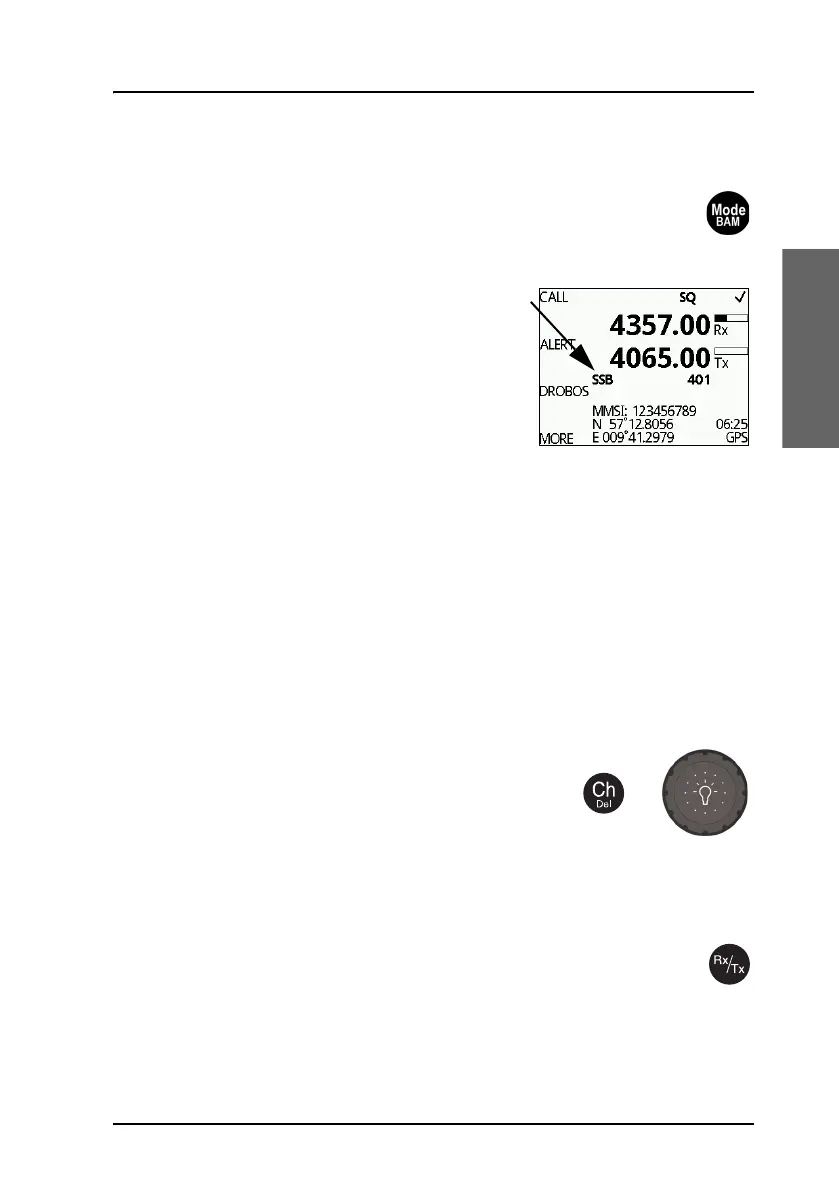
SSB, AM BROADCAST, DSC or TELEX mode
Push the Mode/BAM button to toggle between modes of the MF/HF
radio.
Short push lets you select the mode:
• SSB: Upper side band mode used for
standard MF/HF telephony.
• AM: AM broadcast is a listen-only mode for
pleasure purposes except for 2182kHz on
US equipment.
• LSB: Optional feature for listening to lower
side band
• DSC: The MF/HF radio monitors a single DSC channel to be able to
receive DSC calls.
• TLX-SHIP: The MF/HF radio monitors a single TELEX channel for telex
communication using a SAILOR 6018 Message Terminal.
Push and hold brings up the list of active BAM alerts. BAM alerts are ship-
internal alerts from connected equipment to the bridge. For details see
Alerts in the Bridge Alert Management (BAM) system on page 58.
Radio settings and ITU channel selection
To select an ITU channel push the channel button
and
•turn the selector knob or
• press the numbers on the keypad.
Entering Rx and Tx frequencies
To enter RX and TX frequencies use the RX/TX button and the
keypad.
• First push on RX/TX button, enter Rx frequency and push OK.
• Push RX/TX button again to enter Tx frequency and push OK to select



 To Next Page