Chapter 2: Operation
12 General use and navigation
• Push and hold RX/TX button to enter simplex frequencies and push OK.
The same frequency is copied to both RX and TX fields on the radio.
For fine tuning of frequencies (voice clarify) push the selector knob.
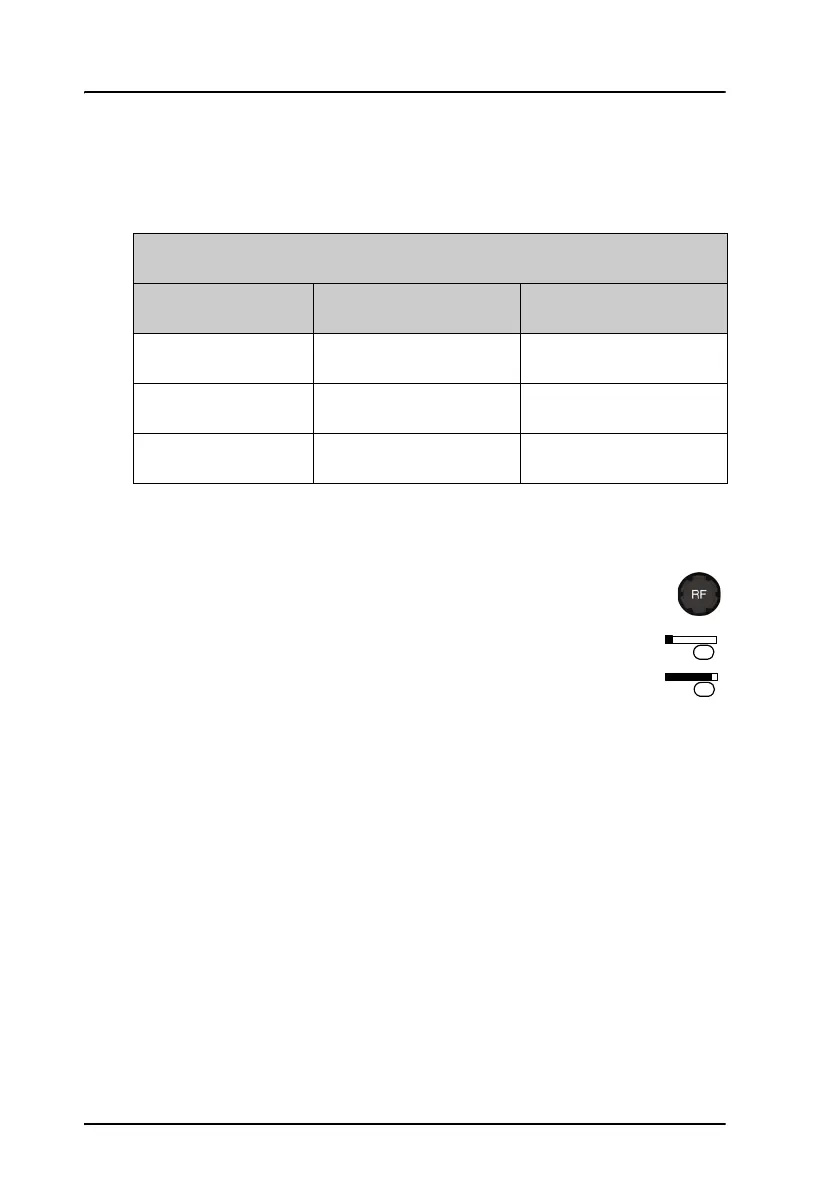
Adjusting RF gain
Use RF gain to control audibility of the incoming signal. Turn the RF
gain control knob fully:
• clockwise: maximum RF gain — maximum sensitivity
• anti-clockwise: minimum RF gain — minimum sensitivity
The larger the signal strength bar, the larger the signal must be in
order to be audible. After entry of a new receive frequency the RF gain is
set to maximum.
The function is enabled in SSB telephony and disabled in all other modes.
Fine tuning step sizes
Selector knob SSB mode AM mode
Push 1 x 10 Hz 100 Hz
Push 2x 100Hz 1000Hz
Push 3 x leave fine-tuning leave fine-tuning



 To Next Page