Chapter 2: Operation
24 Messages
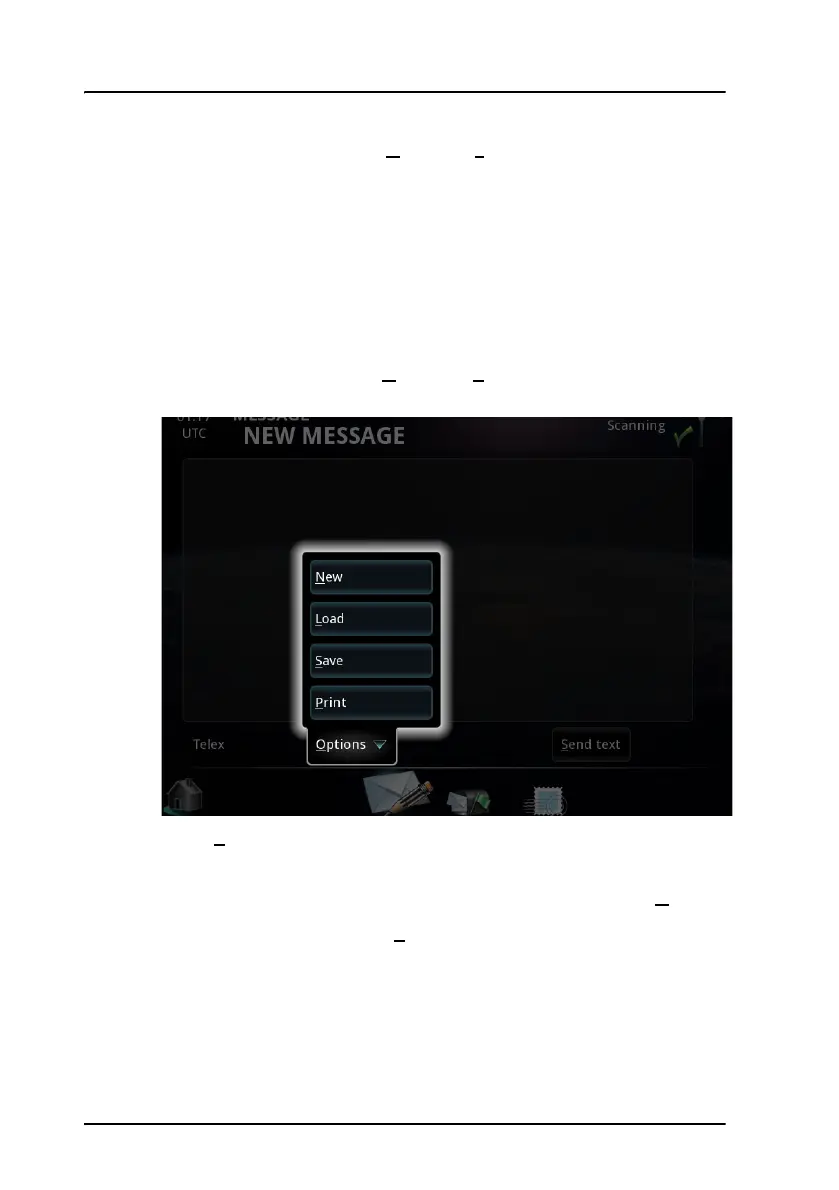
• Load a file by selecting Options > Load and select a file to load
into the editor. You can then edit the text before you save it or send
it. Note that you cannot load a file if it contains characters that are
not telex characters.
Supported characters are: a b c d e f g h i j k l m n o p q r s t u v w x y
z 0 1 2 3 4 5 6 7 8 9 - ? : ( ) . , ' = / +
4. When the message is complete, you can either send the message (skip
the next steps and go directly to step 8) or save it for later use.
5. To save the message, select O
ptions > Save. You can save it to the
Message Terminal or to a USB memory stick.
6. Select P
rint if you want to print the message on your connected
printer.
7. If you want to clear the editor and start a new message, select N
ew.
8. To send the file as it is, select S
end text at the bottom of the page.



 To Next Page