Chapter 2: Operation
Contacts - individual 37
2222
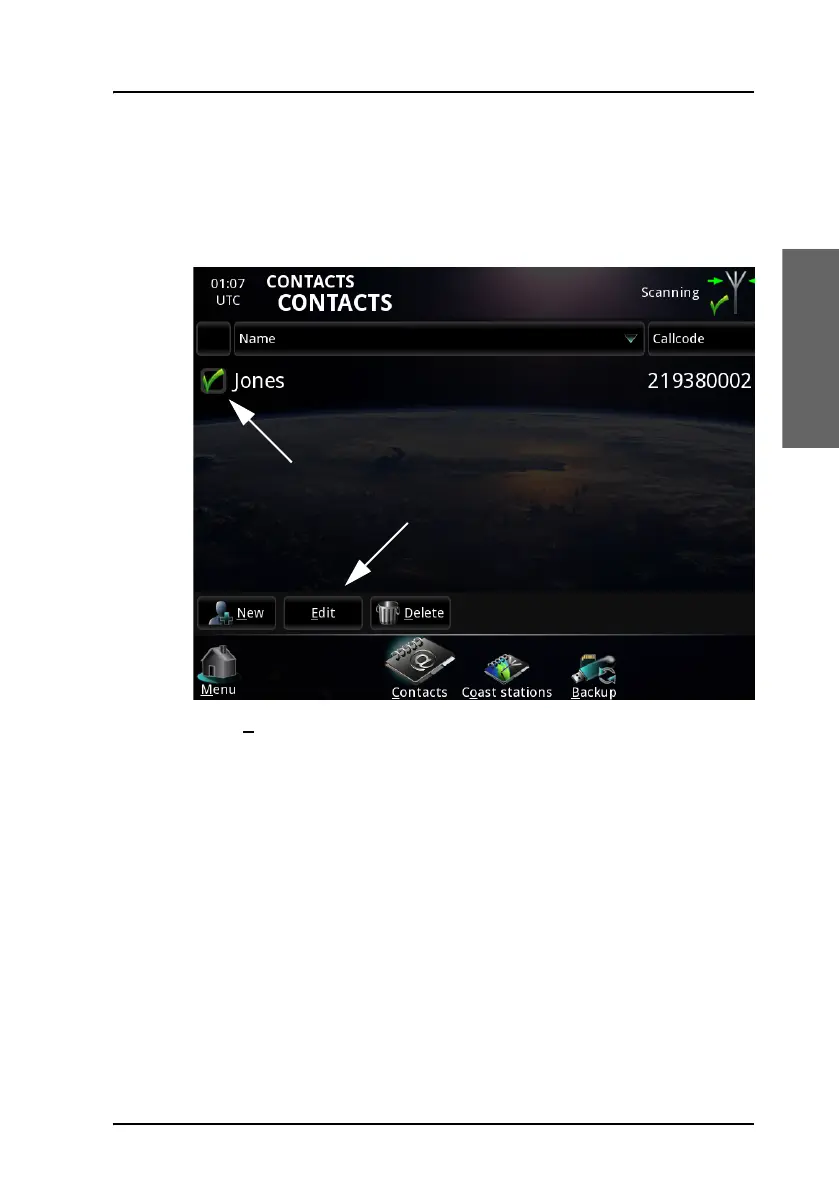
Edit a contact in the list
To edit a contact in the list, do as follows:
1. In the CONTACTS page, select the contact you want to edit.
2. Select E
dit at the bottom of the CONTACTS page.
3. Change the name and/or MMSI or SelCall number of the contact.



 To Next Page