Chapter 2: Installation
10 Installing the SAILOR 6080 Power Supply
2.2.6 Connectors
Connector overview
• AC input
• DC output
• DC output or optional input for daisy-chaining
• Battery input
• AC alarm output
2.2.6.1 AC input
The SAILOR 6080 Power Supply is AC powered. To connect the AC input do
as follows:
1. Remove the u-shaped cut-out for this input from the protective lid.
2. Connect the Mains cable to the connector marked MAINS AC.
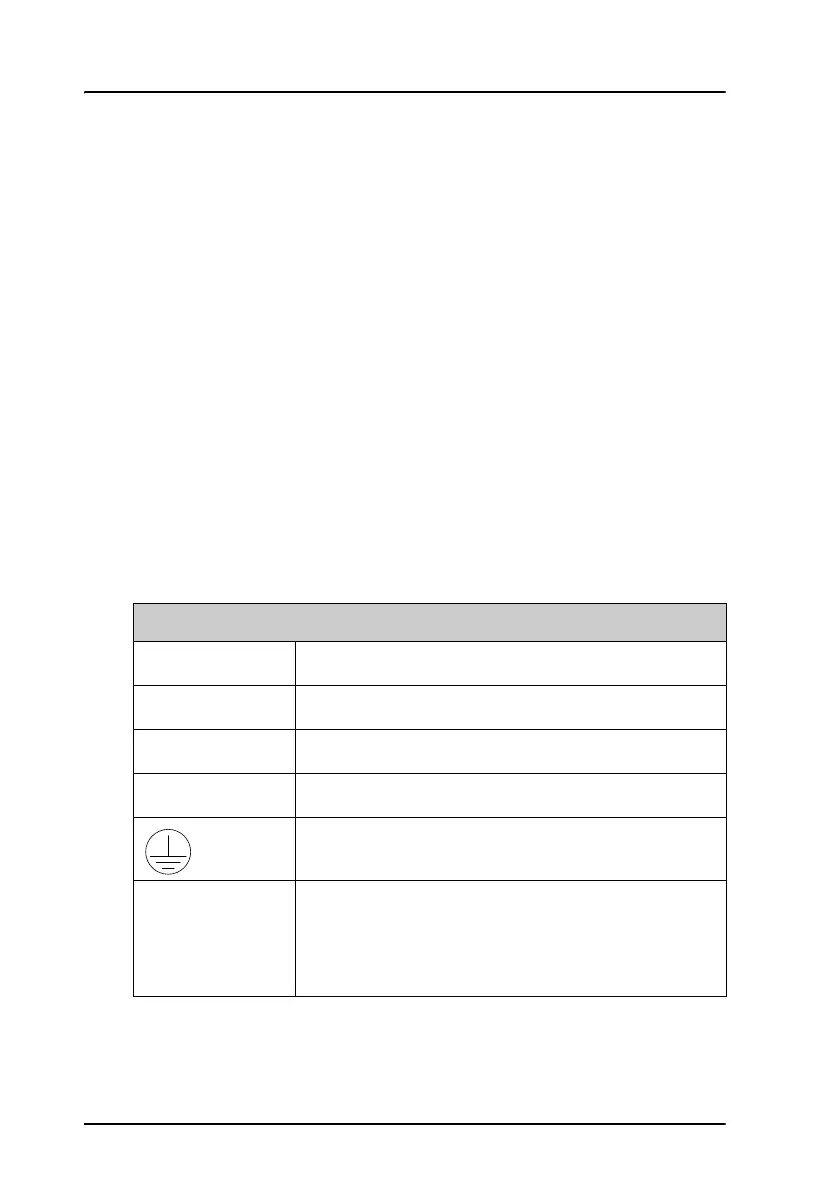
Mains AC
Connector type Spring loaded terminal, dual-row connector
Wire cross section Up to 2.5 mm
2
L Line. AC power cord
N Neutral. AC power cord
GND. AC power cord
Fuse 6.3 A. It is accessible from outside the housing. It is
positioned next to the on/off switch.
To remove the fuse turn the device that holds the
fuse and extract it.


 To Next Page