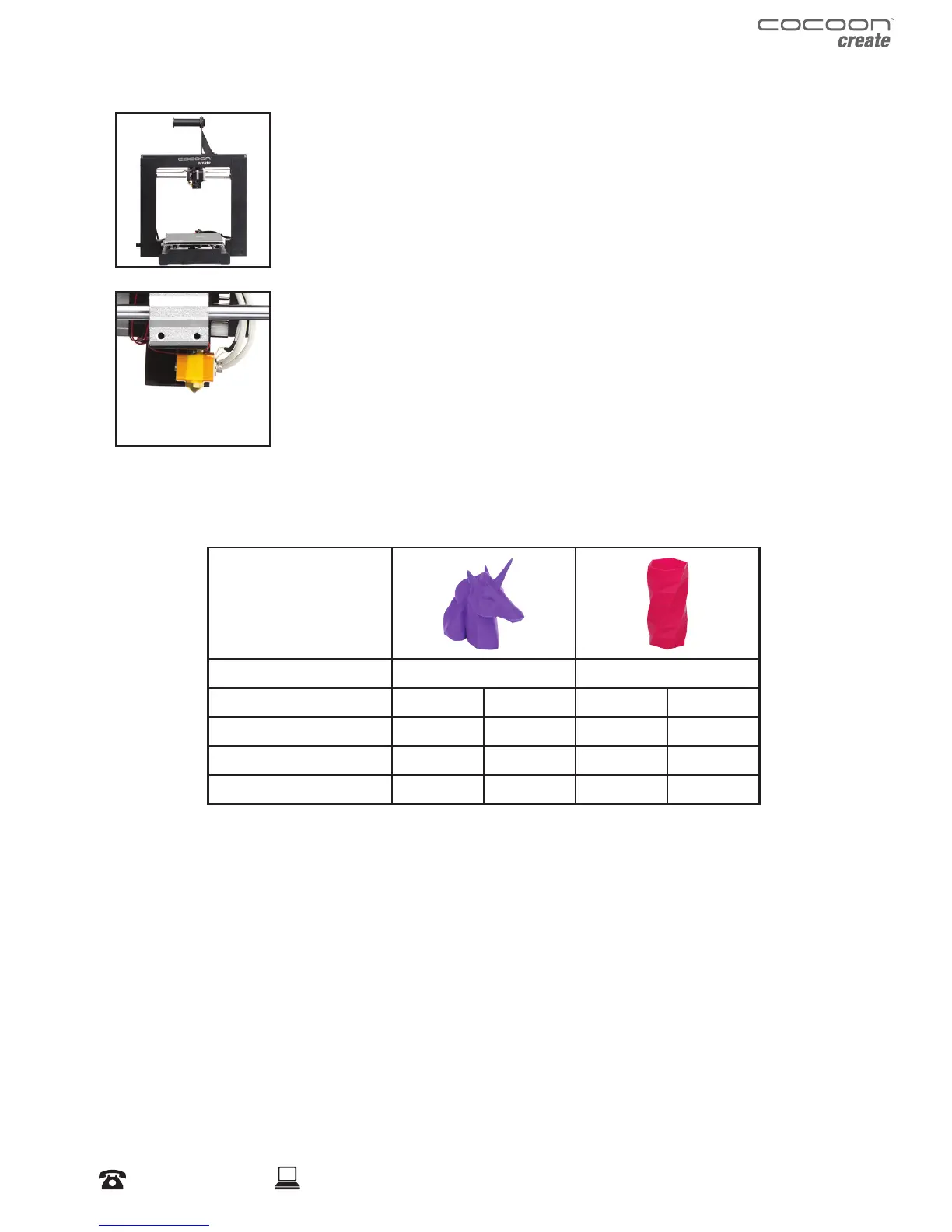
Setup 3D Printer
It’s important to set up your printer before every print. We’ve included some
steps on page 20 in section 1.3 ‘Good 3D Printing Practices’ for you to quickly
refer to each time.
3D Printing Process
Now that you’ve loaded a GCODE le onto the printer, it will commence
heating up the Extruder and Heated Print Bed, then start printing. While
printing, the nozzle will move along the X and Y axis as each layer is printed.
This can take some time, depending on the size of the 3D model, print speed
of the 3D printer and resolution of each layer.
Here is an example of how size, inll, and resolution can eect printing time:
Dimensions:
62.5 x 25.75 x 67.75mm 70 x 70 x 140mm
Inll:
20% 0% 20% 20%
Resolution:
2mm 2mm 2mm 1mm
Print Time:
53min 39min 6hr 40min 13hr 12min
Filament Used:
4m 2.54m 45m 45.67m
3D Printed Object
Once the printer has completed all of the layers, you will have a 3D Printed Object. The results are
certainly worth it, with 3D models ranging from simple to complex.
The Cocoon Create 3D Printer is compatible with a broad range of lament types and is capable of
printing 3D models ranging from small and simple to complex objects with moving parts. What you
print is limited only by your imagination.
Introduction


 To Next Page