7.3 Routine Component Check
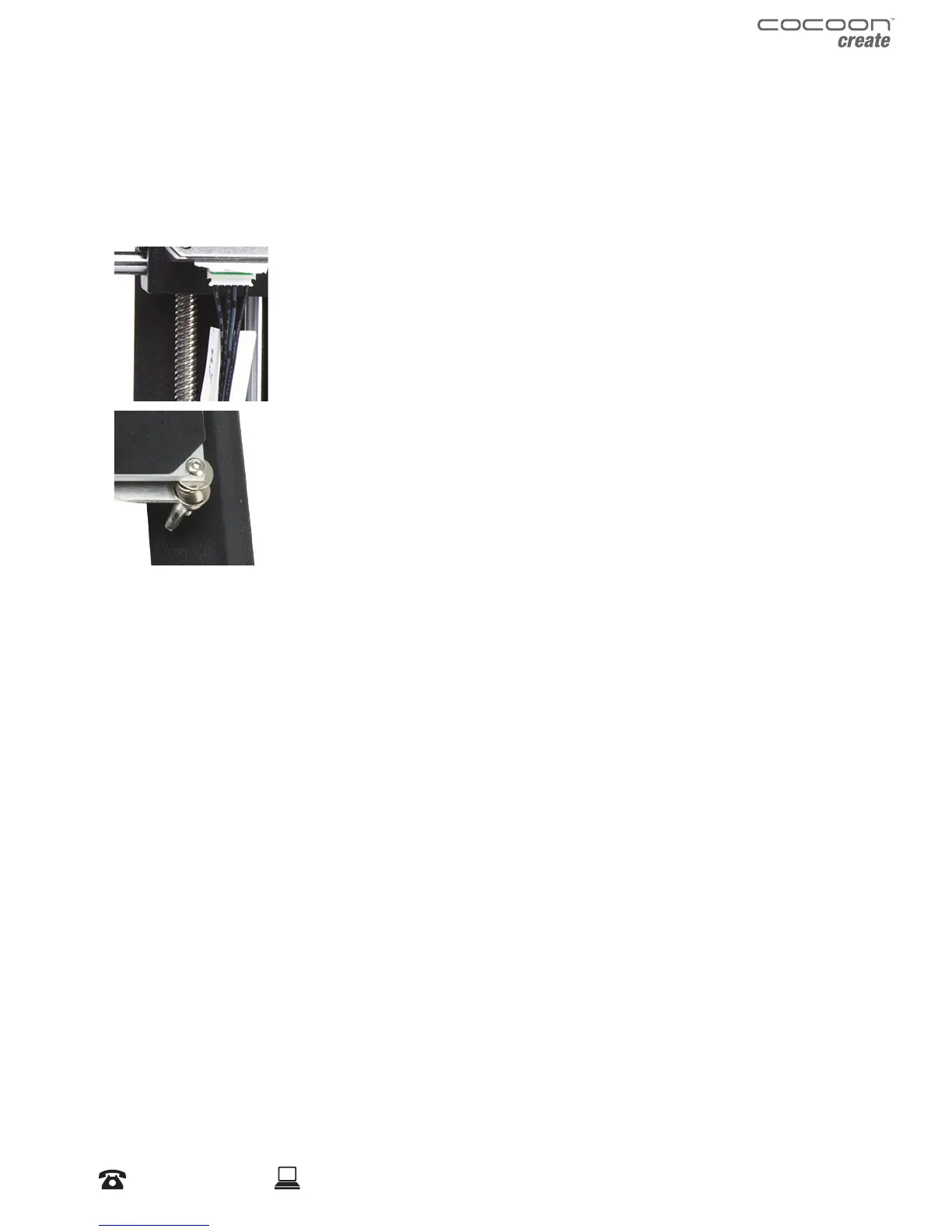
Motor Connectors
Loose motor connections could cause a 3D print to fail. It’s a good habit to routinely check for any
damage to the connectors or the black cables.
Axis Lubrication
Regular lubrication of the X and Y Axis rods is important for the longevity
and smooth running of your printer. The rods can be lubricated with oil or
grease. We recommend using bearing grease, and to apply generously to
both the X Axis and Y Axis rods.
Nuts and Bolts
Loose nuts and bolts could aect the geometry of the 3D Printer. Check
that all nuts and bolts remain rmly tightened. If required, re-tighten using
the hex wrench.
7.4 Storing
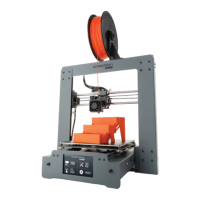
Always store your 3D Printer in a cool, dry location that is free from dust.
Servicing


 To Next Page