CES-128 voice encryptor option
22 NGT Transceiver Getting Started Guide
Creating a secure key in a Corporate secure
index
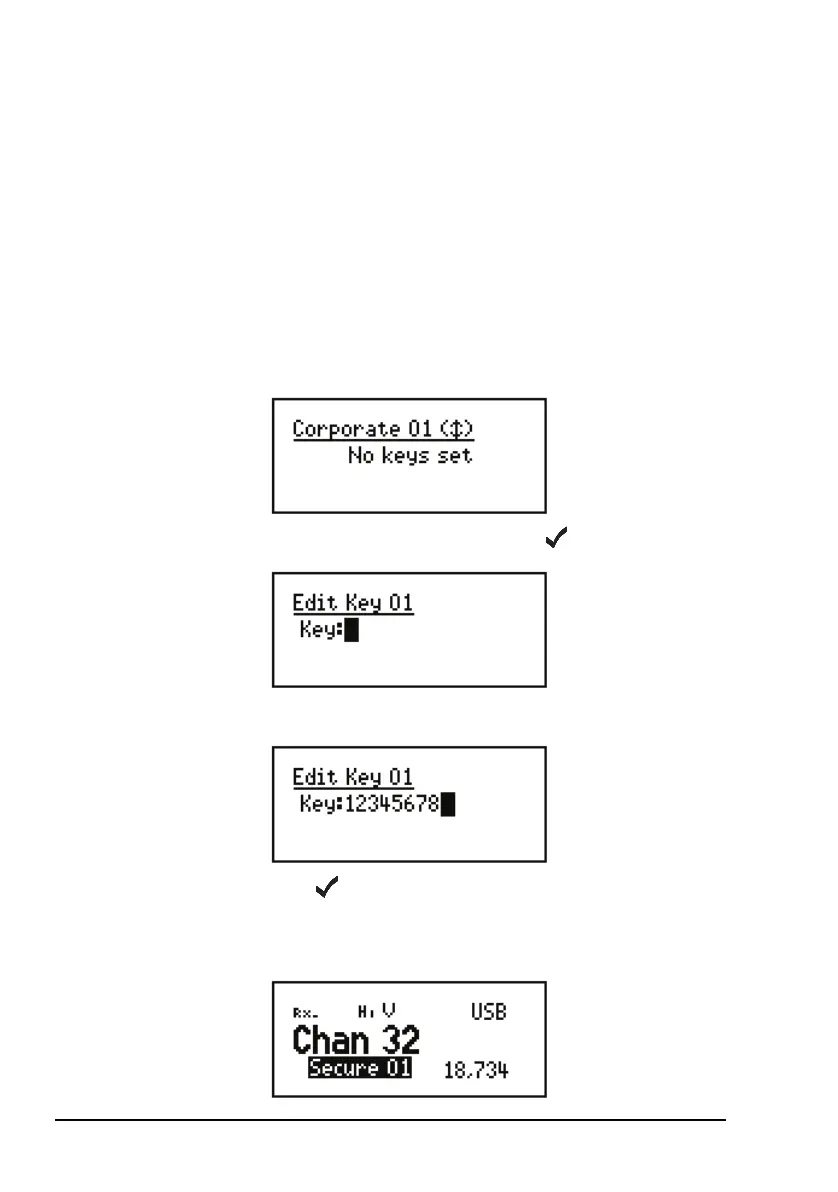
To create a secure key for Corporate secure index 01:
1 Hold SEC.
1 Scroll to Edit Key 01, then press .
1 Enter the secure key for Corporate secure index 01.
1 Press .
The transceiver goes secure using the key that you
entered.
NOTE
You may create a secure key if your system
administrator has enabled this feature in your
transceiver.



 To Next Page