AES-256 digital encryptor option
NGT Transceiver Getting Started Guide 37
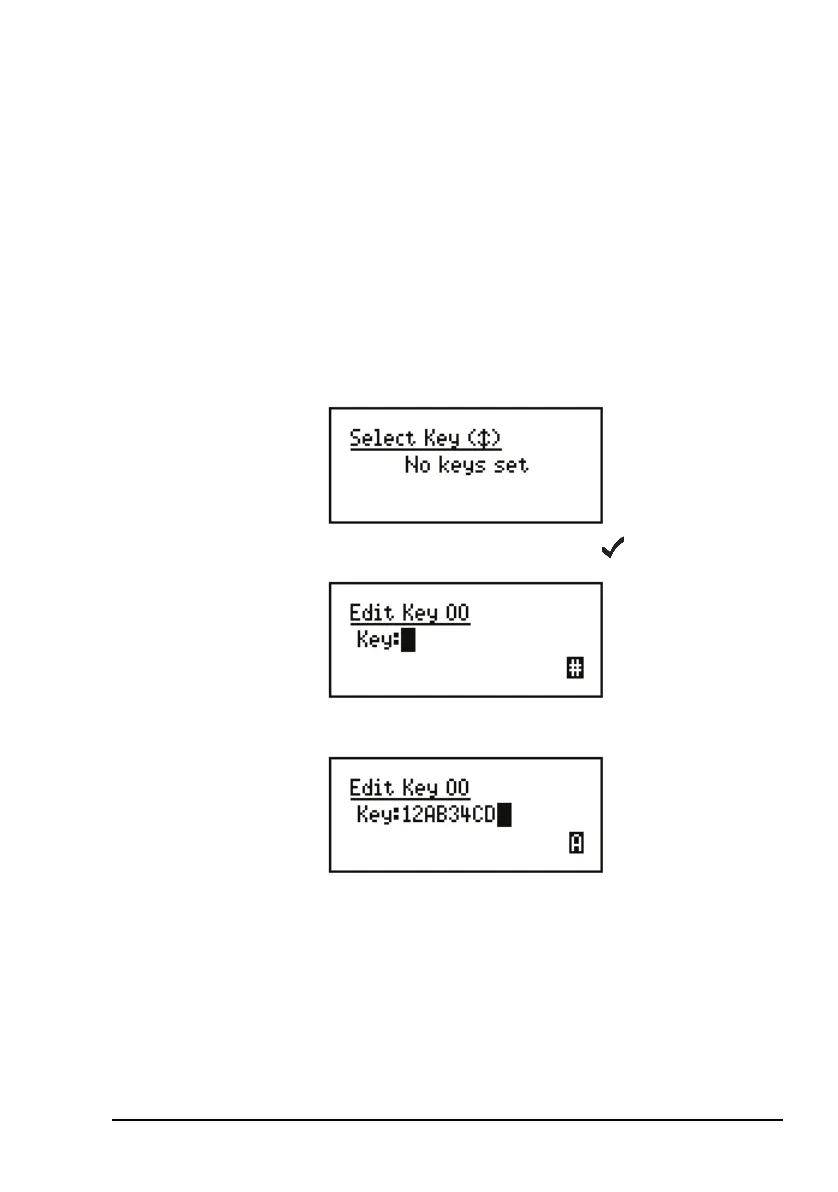
Creating a secure key in a secure index
To create a secure key for secure index 00:
1 Hold SEC, then scroll to Select Key.
1 Scroll to Edit Key 00, then press .
1 Enter the secure key for secure index 00.
NOTE
You are able to create or edit the key in secure
index 00 at any time. You may create or edit
keys in other indexes if your system
administrator has enabled this feature in your
transceiver.



 To Next Page