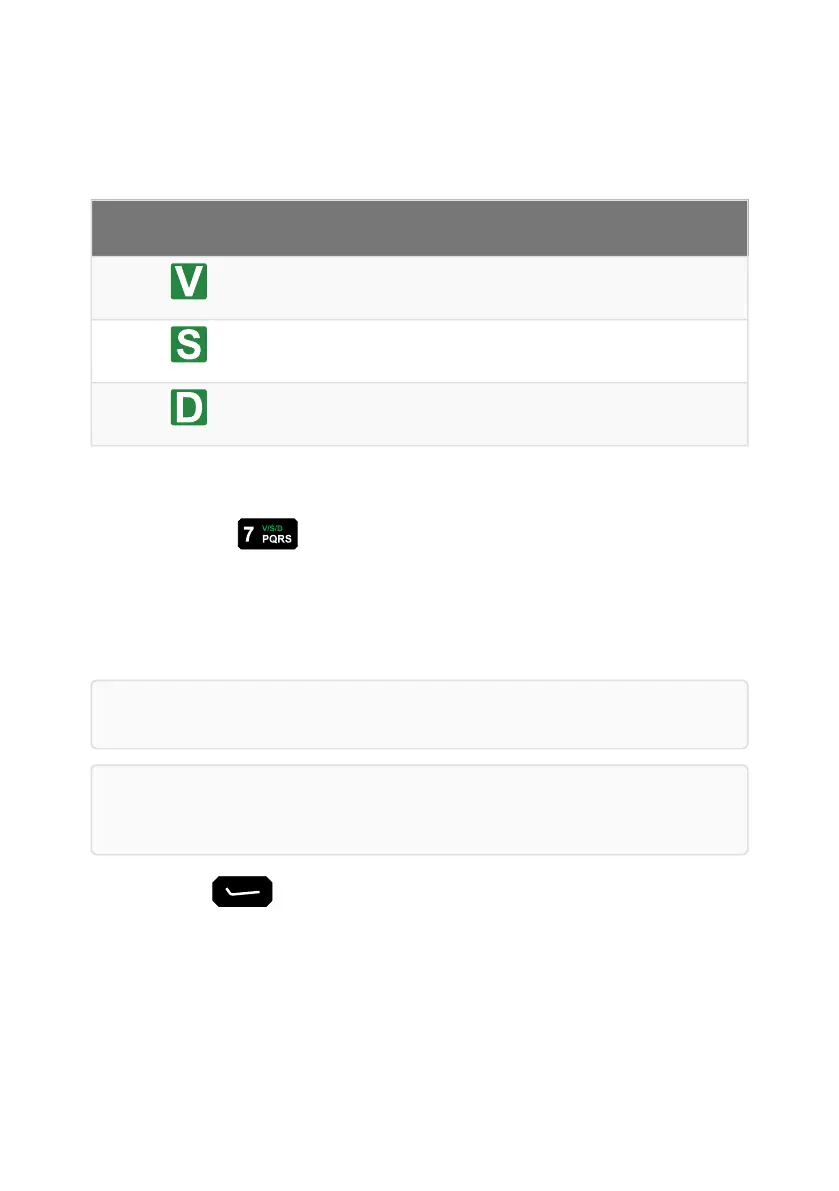
Select mute type
Mute
type
Icon Description
Voice Mute is opened when speech is detected on a channel in all supported
modes and when receiving a call addressed to the radio.
Selective Mute is opened when a call addressed to you is detected
Digital Mute is opened when digital voice is detected
To select the next mute type, from the channel screen:
1. Press the key.
Opening and closing mute
The mute can be opened (sound on) and closed (sound off) from the Operational screen
Note: By default, mute is automatically closed after 5 seconds of inactivity.
Note: Opening and closing mute will affect all connected control points and H-250
audio accessories.
1. Press (Mute) to toggle mute open/closed.
Speaker and mute
Page 26 Sentry-H 6110-MP Operator Guide


 To Next Page