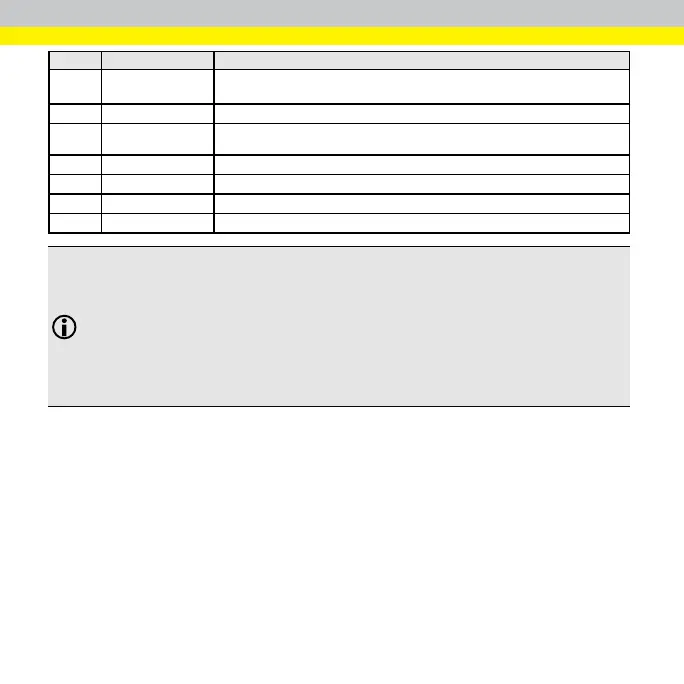
Number Elements Description
3 Image Viewer
Controls
Zooms in, zooms out, or fits image to the display.
4 Trigger Button Acquires one new image from the camera(s).
5 Live Mode Toggle
Displays a live video image to use when you adjust the cameras lens and the
field of view.
6 Open Image Button
Saves images.
7 Camera Image View
Displays the sensor's view.
8 Setup Windows Configure, modify, and delete Recipes.
9 Status Bar
Displays the user, version, and date, and time information.
Note:
When a sensor uses two cameras, the following controls apply to only the selected camera that displays in
a white frame:
l Image Viewer controls
l Trigger button
l Live Mode toggle
l Open Image button
23



 To Next Page